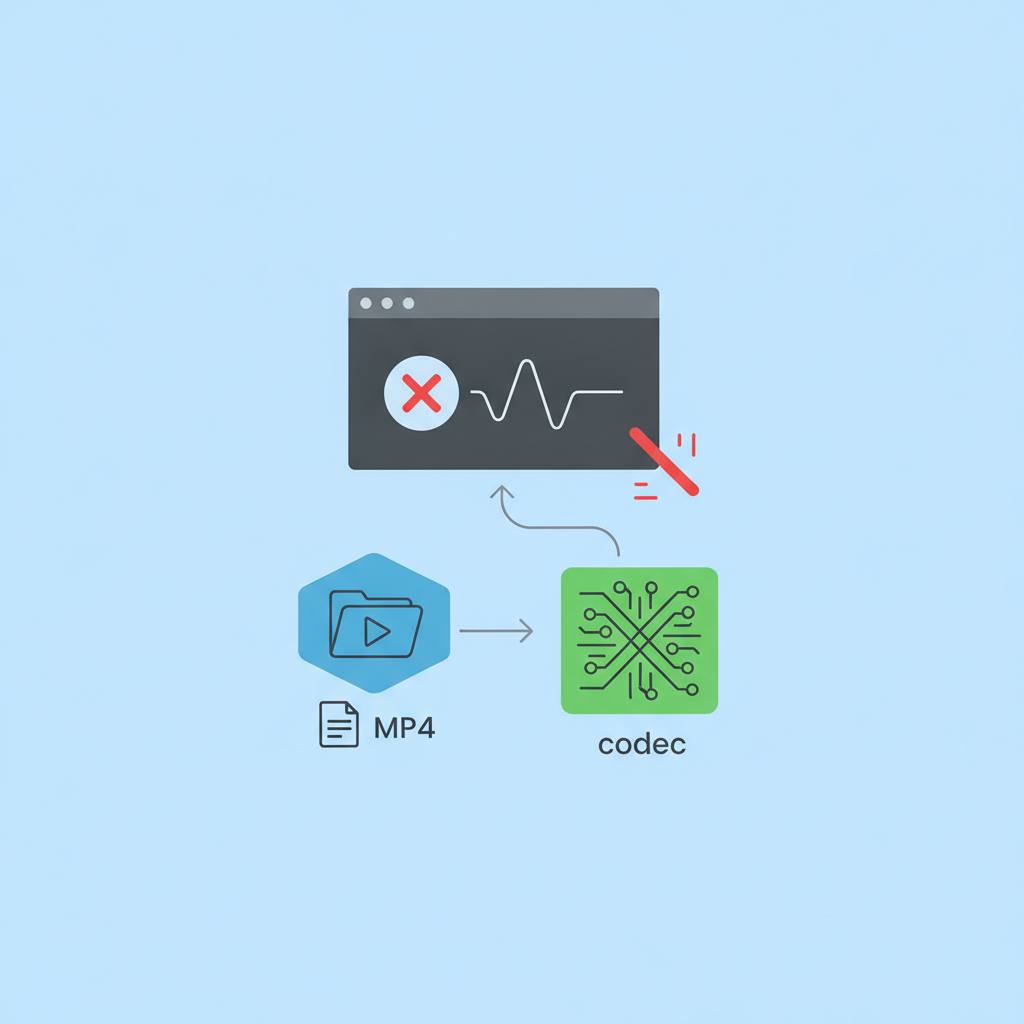
Ever wonder why an MP4 video fails to play in your browser even though it claims to support MP4? The secret lies in understanding the difference between a video file's container and the specific codec used inside it.
Ever had an MP4 video refuse to play in your browser, even when the browser claims to support MP4? It's a common, frustrating tech issue. What this means for you is that understanding one simple difference can save you a lot of headaches with online video.
The key insight: an MP4 file extension only tells you about the 'container' – think of it as the digital box holding everything together. Inside that box, there are 'codecs' that actually define how the video and audio streams are encoded. Examples of containers include MP4, MOV, MKV, and WebM. But the actual video and audio inside are encoded using codecs like H.264, H.265/HEVC, VP9, or AV1. So, your browser might support the MP4 'box,' but not the specific 'encoding method' (codec) used within it.
This distinction explains many playback failures: video without sound, audio without picture, or complete refusal to play. It also clarifies why an MP4 might work on one device but not another. The better question isn't 'Does my browser support MP4?' but rather 'Does my browser support the specific video and audio codecs inside this MP4 file?'
Before converting, you can inspect the file. Tools like FFmpeg's 'ffprobe' can analyze your video (e.g., ffprobe input.mp4) to reveal its video and audio codecs, resolution, and bitrate. This often immediately identifies the problem.
To resolve compatibility, you have two main approaches. 'Remuxing' changes only the container without re-encoding the media. It's fast, avoids quality loss, and simply repackages streams into a new container. An example is ffmpeg -i input.mkv -c copy output.mp4. This works if the existing codecs are compatible with the new container.
If the codecs themselves are the issue, you need to 'transcode.' This decodes the original media and then re-encodes it using different, compatible codecs. Transcoding takes longer and can affect quality, but it's the solution for deep codec incompatibility. For instance: ffmpeg -i input.mov -c:v libx264 -c:a aac output.mp4.
For broad compatibility across browsers, phones, and social platforms, MP4 combined with the H.264 video codec remains one of the safest bets. Keep this container-codec difference in mind, and you'll troubleshoot video issues with confidence!
The key insight: an MP4 file extension only tells you about the 'container' – think of it as the digital box holding everything together. Inside that box, there are 'codecs' that actually define how the video and audio streams are encoded. Examples of containers include MP4, MOV, MKV, and WebM. But the actual video and audio inside are encoded using codecs like H.264, H.265/HEVC, VP9, or AV1. So, your browser might support the MP4 'box,' but not the specific 'encoding method' (codec) used within it.
This distinction explains many playback failures: video without sound, audio without picture, or complete refusal to play. It also clarifies why an MP4 might work on one device but not another. The better question isn't 'Does my browser support MP4?' but rather 'Does my browser support the specific video and audio codecs inside this MP4 file?'
Before converting, you can inspect the file. Tools like FFmpeg's 'ffprobe' can analyze your video (e.g., ffprobe input.mp4) to reveal its video and audio codecs, resolution, and bitrate. This often immediately identifies the problem.
To resolve compatibility, you have two main approaches. 'Remuxing' changes only the container without re-encoding the media. It's fast, avoids quality loss, and simply repackages streams into a new container. An example is ffmpeg -i input.mkv -c copy output.mp4. This works if the existing codecs are compatible with the new container.
If the codecs themselves are the issue, you need to 'transcode.' This decodes the original media and then re-encodes it using different, compatible codecs. Transcoding takes longer and can affect quality, but it's the solution for deep codec incompatibility. For instance: ffmpeg -i input.mov -c:v libx264 -c:a aac output.mp4.
For broad compatibility across browsers, phones, and social platforms, MP4 combined with the H.264 video codec remains one of the safest bets. Keep this container-codec difference in mind, and you'll troubleshoot video issues with confidence!