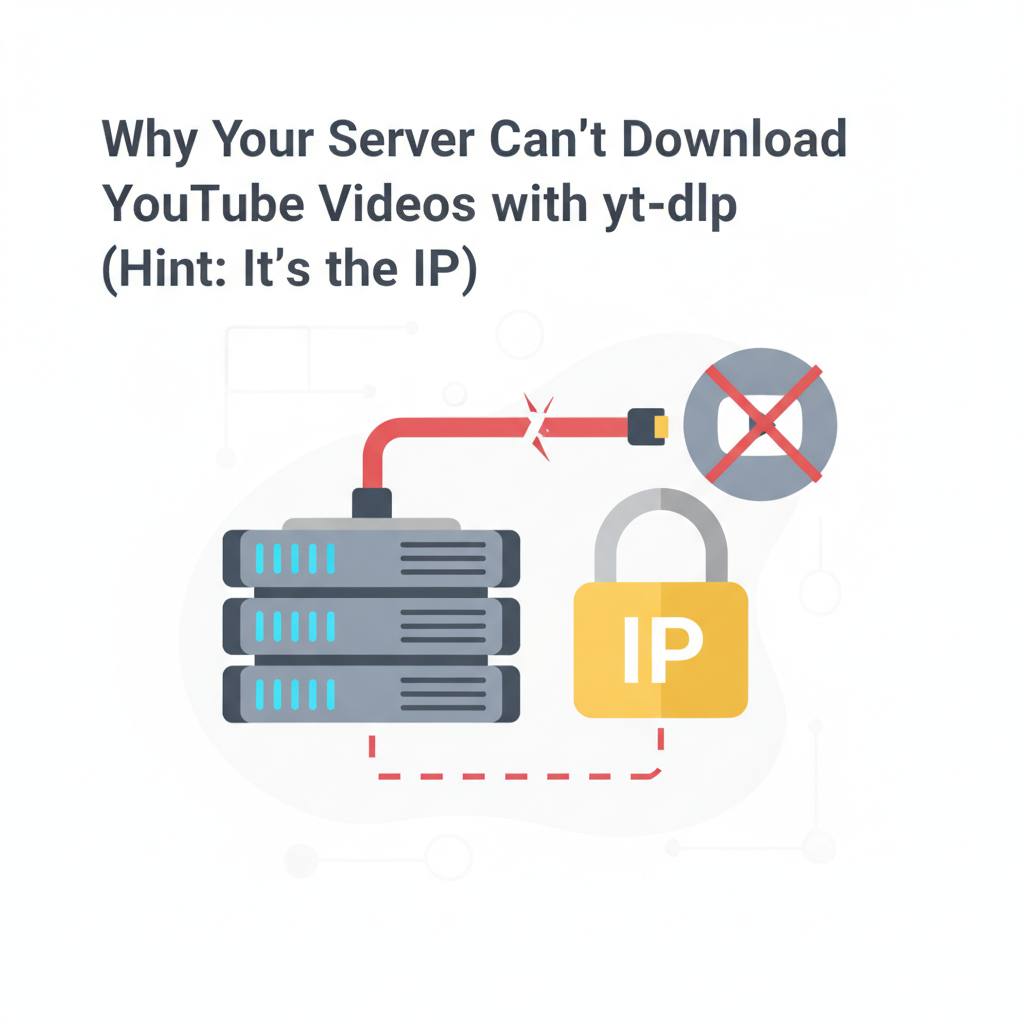
yt-dlp often fails to download YouTube videos from servers like AWS because YouTube flags datacenter IP addresses as potential bots, while trusting residential and mobile ones.
Ever wondered why yt-dlp works perfectly on your laptop but hits errors on your server, even with the same command, the same tool version, and the exact same URL? Developers often find this issue puzzling. It turns out, it's all about your IP address, not your server's setup or yt-dlp itself.
Experts reveal that YouTube actively scores the reputation of the IP address from which a download request originates. Residential and mobile IP addresses (like your home connection or phone) are generally trusted. However, datacenter IP addresses – those used by providers like AWS, GCP, most VPS providers, Hetzner, and DigitalOcean – are not. In fact, many of these IP ranges are already «burned» due to extensive use by automated scrapers and bots. This means the very same request that sails through smoothly from your couch will trigger a bot check when it comes from your server.
To confirm that the problem lies with your IP address and not your configuration, you can perform a simple test: Run 'yt-dlp --version' on both machines to ensure the versions match. Then, execute 'yt-dlp --simulate -F "https://www.youtube.com/watch?v=jNQXAC9IVRw"' (with any YouTube video link). If your laptop successfully lists available formats while your server throws a bot check error or 'no formats found', you're no longer debugging yt-dlp; you're debugging IP reputation. Updating yt-dlp again won't change this, though it's worth doing once to rule out an old build.
What does this mean for you? Fortunately, there are solutions to this predicament. The easiest and often most effective solution is simply to run your downloads from a trusted residential connection. If you can run the download on your own machine, a home server, or anything connected to a residential or mobile IP, do that. It's free and it just works. For many hobby setups, this is the complete answer.
Another option is to route your request through a residential proxy. By using a command like 'yt-dlp --proxy "http://user:pass@host:port"' with a residential proxy, your request will once again appear to come from a real person. This method is effective, but residential proxies cost real money per gigabyte. Remember that using a datacenter proxy won't help, as it falls into the same IP category as your server. Additionally, passing cookies from a logged-in account might sometimes get you through, but this ties the download to a real account which YouTube can rate-limit or flag. Choose the solution that fits your needs and budget.
Experts reveal that YouTube actively scores the reputation of the IP address from which a download request originates. Residential and mobile IP addresses (like your home connection or phone) are generally trusted. However, datacenter IP addresses – those used by providers like AWS, GCP, most VPS providers, Hetzner, and DigitalOcean – are not. In fact, many of these IP ranges are already «burned» due to extensive use by automated scrapers and bots. This means the very same request that sails through smoothly from your couch will trigger a bot check when it comes from your server.
To confirm that the problem lies with your IP address and not your configuration, you can perform a simple test: Run 'yt-dlp --version' on both machines to ensure the versions match. Then, execute 'yt-dlp --simulate -F "https://www.youtube.com/watch?v=jNQXAC9IVRw"' (with any YouTube video link). If your laptop successfully lists available formats while your server throws a bot check error or 'no formats found', you're no longer debugging yt-dlp; you're debugging IP reputation. Updating yt-dlp again won't change this, though it's worth doing once to rule out an old build.
What does this mean for you? Fortunately, there are solutions to this predicament. The easiest and often most effective solution is simply to run your downloads from a trusted residential connection. If you can run the download on your own machine, a home server, or anything connected to a residential or mobile IP, do that. It's free and it just works. For many hobby setups, this is the complete answer.
Another option is to route your request through a residential proxy. By using a command like 'yt-dlp --proxy "http://user:pass@host:port"' with a residential proxy, your request will once again appear to come from a real person. This method is effective, but residential proxies cost real money per gigabyte. Remember that using a datacenter proxy won't help, as it falls into the same IP category as your server. Additionally, passing cookies from a logged-in account might sometimes get you through, but this ties the download to a real account which YouTube can rate-limit or flag. Choose the solution that fits your needs and budget.