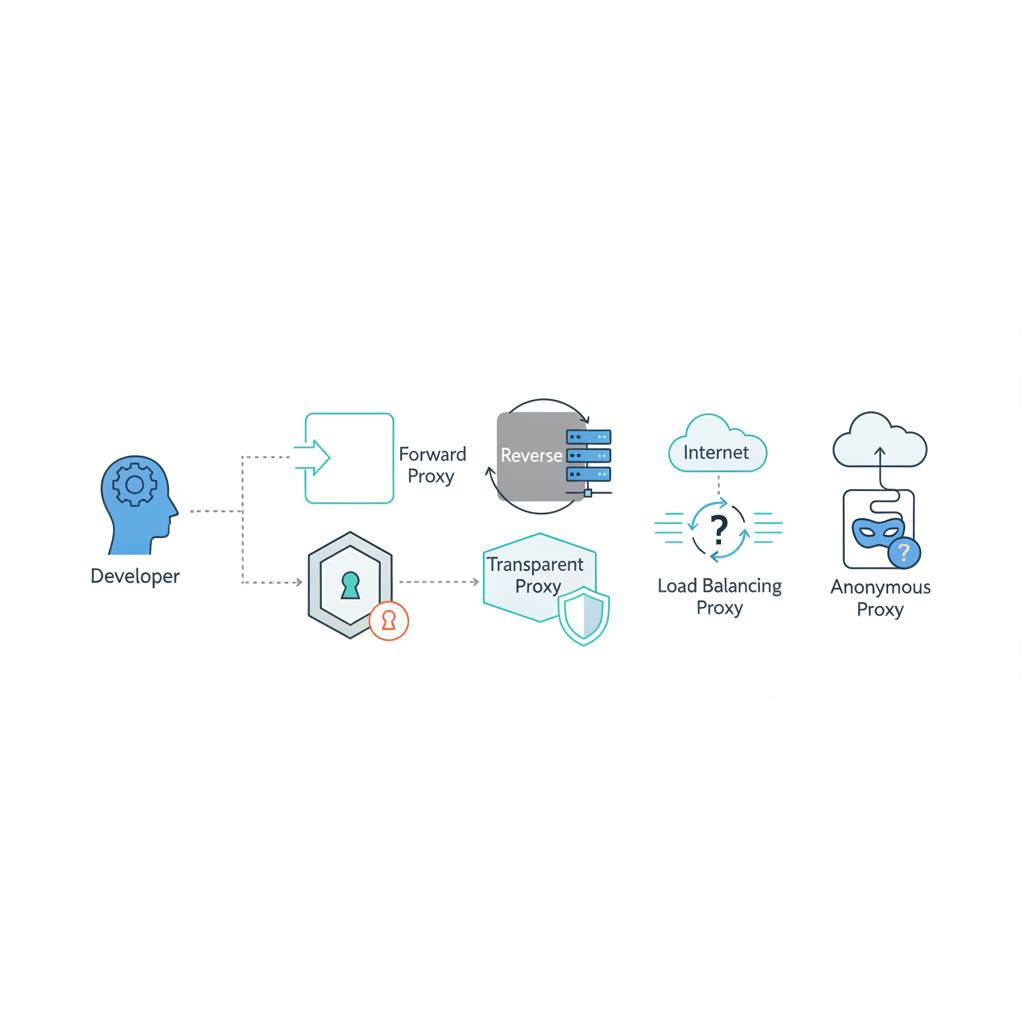
Grasping the different types of proxies is crucial for any developer, as it directly impacts your applications' performance and how they interact with the digital world. Knowing these distinctions helps you pick the right tool for your technical needs.
Proxies aren't a one-size-fits-all solution, and understanding their differences can save you a lot of headaches and boost your application's performance. If you're a developer, choosing the right proxy is a critical decision that affects how your system operates and interacts online.
To simplify, we can categorize proxies based on three key decisions: where traffic exits, when that IP address changes, and how your client connects. A single proxy service can have several labels because each describes a distinct property.
Let's look at the primary types:
1. **Forward Proxy:** This proxy handles outbound connections for a client. You configure your browser or worker to contact it, and it then connects to the final destination. You'll typically evaluate forward proxies when choosing an exit point for a script.
2. **Reverse Proxy:** This type receives traffic for a service you operate. It can route incoming requests to different backend servers, distribute load, and cache responses. If you're placing a gateway in front of your application, you're designing a reverse proxy deployment.
When it comes to the sources of IP addresses used by proxies, commercial catalogs commonly group them into four main types:
1. **Datacenter Proxies:** These use IPs associated with hosting or cloud infrastructure. They're ideal for permitted workloads that don't require a consumer or cellular IP exit.
2. **Residential Proxies:** These utilize IPs associated with consumer internet connections. They are helpful when testing how your own service behaves for visitors on those real-world networks.
3. **ISP Proxies:** Often sold as 'static residential proxies,' these generally combine ISP-associated addresses with server infrastructure. It's important to ask how the service is hosted and how addresses are assigned, as the label doesn't automatically establish a household connection.
4. **Mobile Proxies:** These exit through cellular carrier networks. They're relevant when carrier routing matters, but keep in mind they don't reproduce a phone's full browser, operating system, or screen size environment.
Remember, these descriptions mainly focus on the exit network. Factors like speed, location accuracy, and availability still need proper testing to ensure optimal performance for your application.
To simplify, we can categorize proxies based on three key decisions: where traffic exits, when that IP address changes, and how your client connects. A single proxy service can have several labels because each describes a distinct property.
Let's look at the primary types:
1. **Forward Proxy:** This proxy handles outbound connections for a client. You configure your browser or worker to contact it, and it then connects to the final destination. You'll typically evaluate forward proxies when choosing an exit point for a script.
2. **Reverse Proxy:** This type receives traffic for a service you operate. It can route incoming requests to different backend servers, distribute load, and cache responses. If you're placing a gateway in front of your application, you're designing a reverse proxy deployment.
When it comes to the sources of IP addresses used by proxies, commercial catalogs commonly group them into four main types:
1. **Datacenter Proxies:** These use IPs associated with hosting or cloud infrastructure. They're ideal for permitted workloads that don't require a consumer or cellular IP exit.
2. **Residential Proxies:** These utilize IPs associated with consumer internet connections. They are helpful when testing how your own service behaves for visitors on those real-world networks.
3. **ISP Proxies:** Often sold as 'static residential proxies,' these generally combine ISP-associated addresses with server infrastructure. It's important to ask how the service is hosted and how addresses are assigned, as the label doesn't automatically establish a household connection.
4. **Mobile Proxies:** These exit through cellular carrier networks. They're relevant when carrier routing matters, but keep in mind they don't reproduce a phone's full browser, operating system, or screen size environment.
Remember, these descriptions mainly focus on the exit network. Factors like speed, location accuracy, and availability still need proper testing to ensure optimal performance for your application.