Managing multiple AI coding agents, each with its unique commands and interface, can be confusing and inefficient. A unified dashboard simplifies this by bringing all your AI helpers into one easy-to-use place.
Have you ever tried to juggle multiple tasks at once, perhaps talking on the phone while cooking and helping a child with homework? It can feel a bit like that for programmers working with today's advanced AI coding agents. The recent 'AgentWebUI' story highlights a common frustration: having several brilliant AI helpers, like Codex, Claude, and Gemini, running simultaneously, but each living in its own separate digital 'room' – a terminal window.
Imagine your computer running three different AI agents, each designed to help you write code. One might be fixing errors, another brainstorming new features, and a third automating file tasks. The challenge, as the news hook explains, is that each of these agents has its own unique way of communicating. It's like having three brilliant assistants, but one only understands French, another German, and the third Italian, and each one uses a different type of notepad to show you their work. You'd spend more time switching between languages and deciphering notes than actually getting things done!
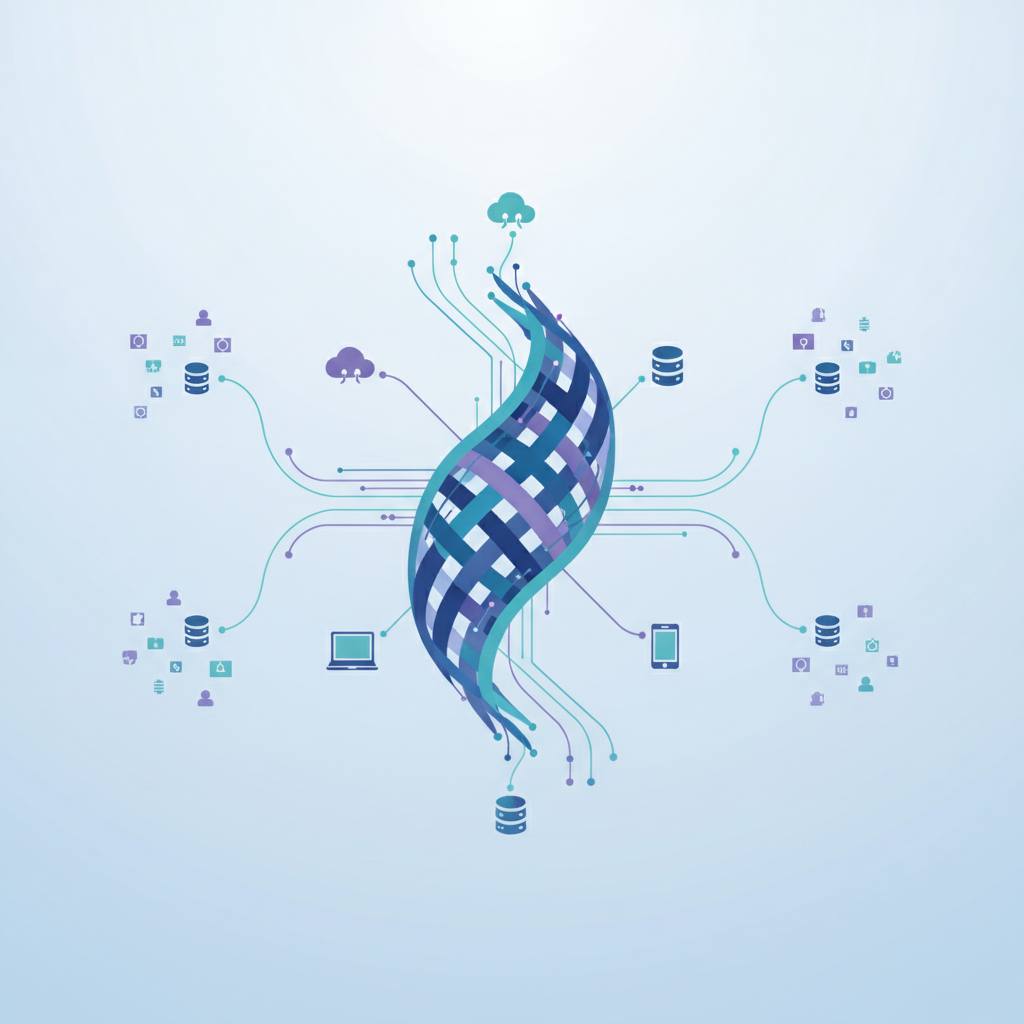
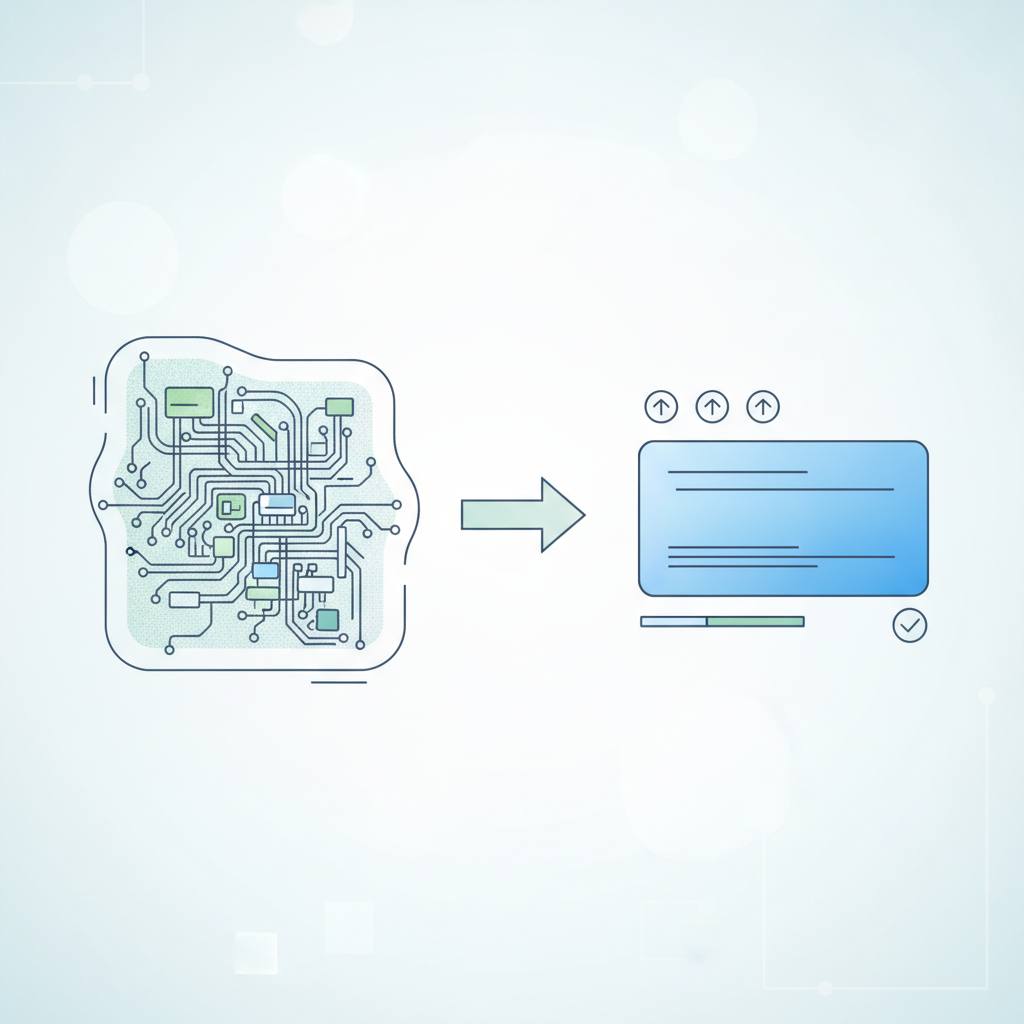
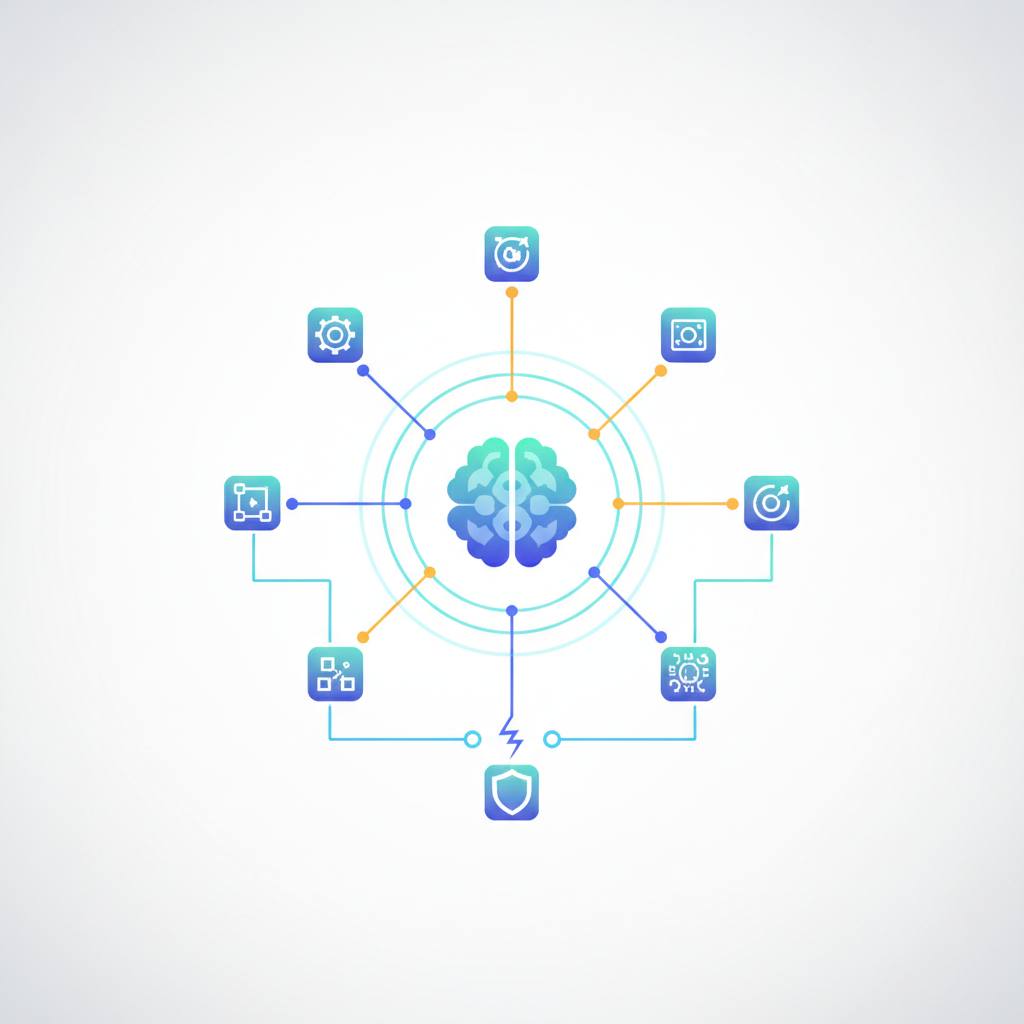
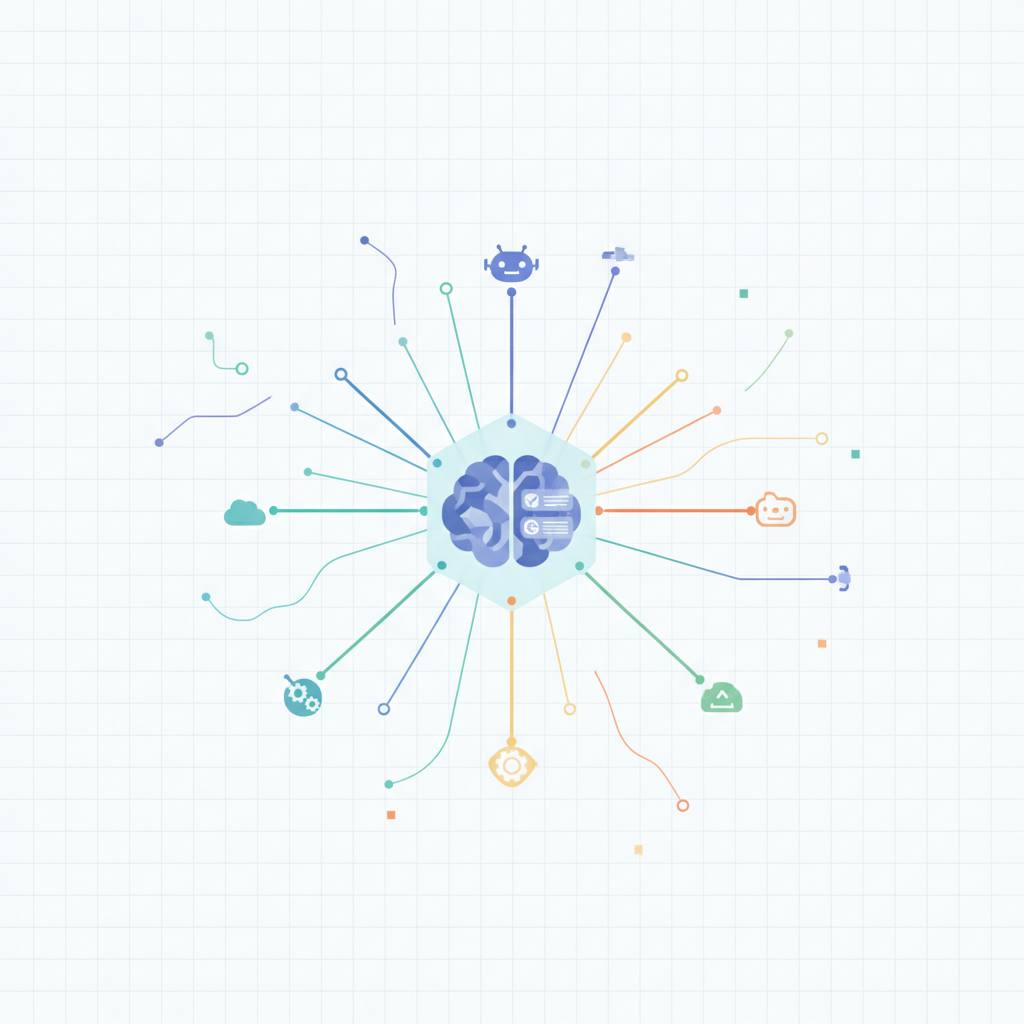
This is where the idea of a 'unified interface' or 'dashboard' comes in. Think of it like a universal remote control for all your smart devices. Instead of needing a separate app for your smart lights, thermostat, and security camera, one app lets you see and control everything. For AI agents, a unified dashboard means you can oversee all your coding helpers from a single screen. You can issue commands, approve actions, and see their progress – all in one consistent format, without having to jump between different terminal windows or learn a new set of rules for each agent.
This approach makes working with AI much smoother and more efficient. It cuts down on confusion, saves time, and allows developers to focus on the creative aspects of coding rather than struggling with tool management. Just as a good conductor brings harmony to an orchestra, a unified interface helps bring order and collaboration to a team of diverse AI agents, making their combined power truly accessible.
Imagine your computer running three different AI agents, each designed to help you write code. One might be fixing errors, another brainstorming new features, and a third automating file tasks. The challenge, as the news hook explains, is that each of these agents has its own unique way of communicating. It's like having three brilliant assistants, but one only understands French, another German, and the third Italian, and each one uses a different type of notepad to show you their work. You'd spend more time switching between languages and deciphering notes than actually getting things done!
This is where the idea of a 'unified interface' or 'dashboard' comes in. Think of it like a universal remote control for all your smart devices. Instead of needing a separate app for your smart lights, thermostat, and security camera, one app lets you see and control everything. For AI agents, a unified dashboard means you can oversee all your coding helpers from a single screen. You can issue commands, approve actions, and see their progress – all in one consistent format, without having to jump between different terminal windows or learn a new set of rules for each agent.
This approach makes working with AI much smoother and more efficient. It cuts down on confusion, saves time, and allows developers to focus on the creative aspects of coding rather than struggling with tool management. Just as a good conductor brings harmony to an orchestra, a unified interface helps bring order and collaboration to a team of diverse AI agents, making their combined power truly accessible.