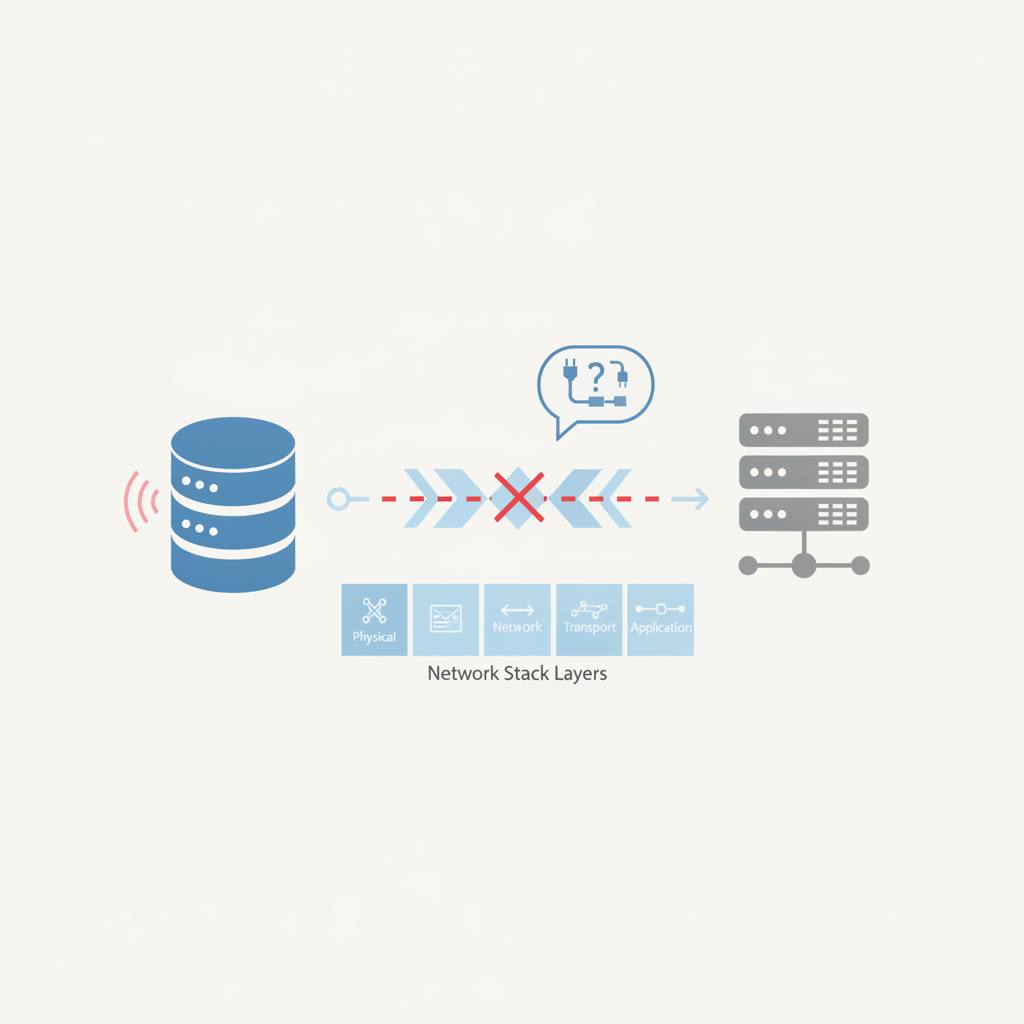
Even when a database is running, various network settings can prevent it from connecting. This post explains how computers find and talk to each other, and common reasons why a database connection might fail.
Imagine you've just set up a brand-new store, but customers can't find it. That's a bit like what happens when a database like GBase 8s is installed and running, but no one can connect to it. Recent news highlights this common headache: your database is online, yet applications or remote users can't 'talk' to it.
At its core, connecting to a database is like one computer trying to 'visit' another. Every computer on a network has a unique 'street address' called an **IP address** (like 192.168.1.100). But a computer isn't just one big building; it has many 'doors' or 'entrances' called **ports**. Each service, like your database, listens for visitors at a specific port (e.g., 9088).
For your client application (the 'visitor') to reach the database ('the store'), it needs both the correct IP address and the correct port number. Think of a special 'phone book' – like the `sqlhosts` file mentioned in the news – that tells everyone where to find the database. If this 'phone book' lists the database at a secret, internal address (like `localhost` or `127.0.0.1`), then remote 'customers' outside the store can't use it to find the real, external address.
Another big reason for connection trouble is the **firewall**. Imagine a security guard at the entrance to your computer or network. This guard's job is to block unwanted visitors. Even if your 'phone book' has the right IP and port, the firewall might be saying, 'Sorry, no entry on port 9088!' This can happen with your computer's own firewall, your network's firewall, or even security settings in cloud environments.
Other issues include server name mismatches (the 'phone book' has a different name than what the client is looking for) or incorrect client connection settings (the client itself is looking at the wrong address). So, if your database is running but not connecting, don't panic! Start by checking these basic networking foundations: Is the database configured with the correct, reachable IP and port? Is there a firewall blocking access to that port? These simple checks often solve the mystery and get your database talking again.
At its core, connecting to a database is like one computer trying to 'visit' another. Every computer on a network has a unique 'street address' called an **IP address** (like 192.168.1.100). But a computer isn't just one big building; it has many 'doors' or 'entrances' called **ports**. Each service, like your database, listens for visitors at a specific port (e.g., 9088).
For your client application (the 'visitor') to reach the database ('the store'), it needs both the correct IP address and the correct port number. Think of a special 'phone book' – like the `sqlhosts` file mentioned in the news – that tells everyone where to find the database. If this 'phone book' lists the database at a secret, internal address (like `localhost` or `127.0.0.1`), then remote 'customers' outside the store can't use it to find the real, external address.
Another big reason for connection trouble is the **firewall**. Imagine a security guard at the entrance to your computer or network. This guard's job is to block unwanted visitors. Even if your 'phone book' has the right IP and port, the firewall might be saying, 'Sorry, no entry on port 9088!' This can happen with your computer's own firewall, your network's firewall, or even security settings in cloud environments.
Other issues include server name mismatches (the 'phone book' has a different name than what the client is looking for) or incorrect client connection settings (the client itself is looking at the wrong address). So, if your database is running but not connecting, don't panic! Start by checking these basic networking foundations: Is the database configured with the correct, reachable IP and port? Is there a firewall blocking access to that port? These simple checks often solve the mystery and get your database talking again.