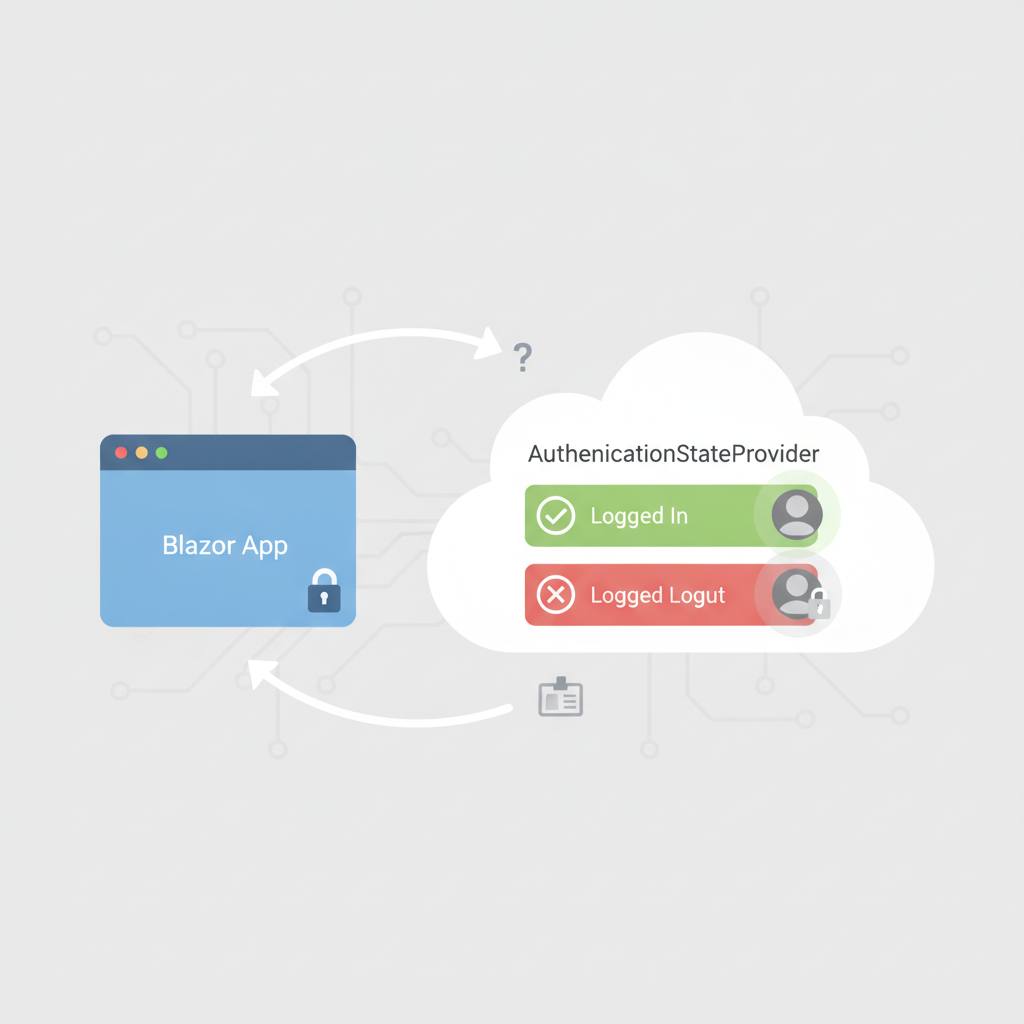
Modern Blazor applications use 'AuthenticationStateProvider' to verify user identities, allowing them to display appropriate content whether you are logged in or not.
Hey WondTech readers! Today, we're diving into a clever way Blazor web applications know when you're logged in. This is fundamental for a smooth and secure online experience.
Modern Blazor apps rely on a powerful tool called 'AuthenticationStateProvider'. Imagine you're browsing a gym membership management application. You can easily view available gyms and membership plans. But when you try to subscribe to a specific plan, the application first needs to confirm you've logged in. This is where 'AuthenticationStateProvider' steps in.
This tool acts like an assistant within Blazor, informing different parts of your application about your status. Are you logged in? What are your basic permissions or claims? Based on this, the application determines whether it should show you content exclusive to logged-in users, like a «Subscribe» button, or prompt you to log in first.
For instance, if you're signed into the gym app, 'AuthenticationStateProvider' can tell the user interface that you're logged in, allowing it to display your name and favorite plans. If you're not logged in, it will direct you to the login page.
It's crucial to understand that 'AuthenticationStateProvider' doesn't directly validate passwords or secure backend API endpoints itself. That critical task remains with the server (backend). Its primary role is to provide authentication state information to Blazor components, enabling them to render the correct content for the user on the frontend. It simplifies building intelligent user interfaces that react to a user's login status without complication. This makes developing Blazor web applications more efficient and secure for our developers, and a better experience for you as users.
Modern Blazor apps rely on a powerful tool called 'AuthenticationStateProvider'. Imagine you're browsing a gym membership management application. You can easily view available gyms and membership plans. But when you try to subscribe to a specific plan, the application first needs to confirm you've logged in. This is where 'AuthenticationStateProvider' steps in.
This tool acts like an assistant within Blazor, informing different parts of your application about your status. Are you logged in? What are your basic permissions or claims? Based on this, the application determines whether it should show you content exclusive to logged-in users, like a «Subscribe» button, or prompt you to log in first.
For instance, if you're signed into the gym app, 'AuthenticationStateProvider' can tell the user interface that you're logged in, allowing it to display your name and favorite plans. If you're not logged in, it will direct you to the login page.
It's crucial to understand that 'AuthenticationStateProvider' doesn't directly validate passwords or secure backend API endpoints itself. That critical task remains with the server (backend). Its primary role is to provide authentication state information to Blazor components, enabling them to render the correct content for the user on the frontend. It simplifies building intelligent user interfaces that react to a user's login status without complication. This makes developing Blazor web applications more efficient and secure for our developers, and a better experience for you as users.