You can now send iOS push notifications directly from your Laravel backend to Apple's Push Notification service (APNs), bypassing Firebase. This offers greater control and simplifies your app's architecture.
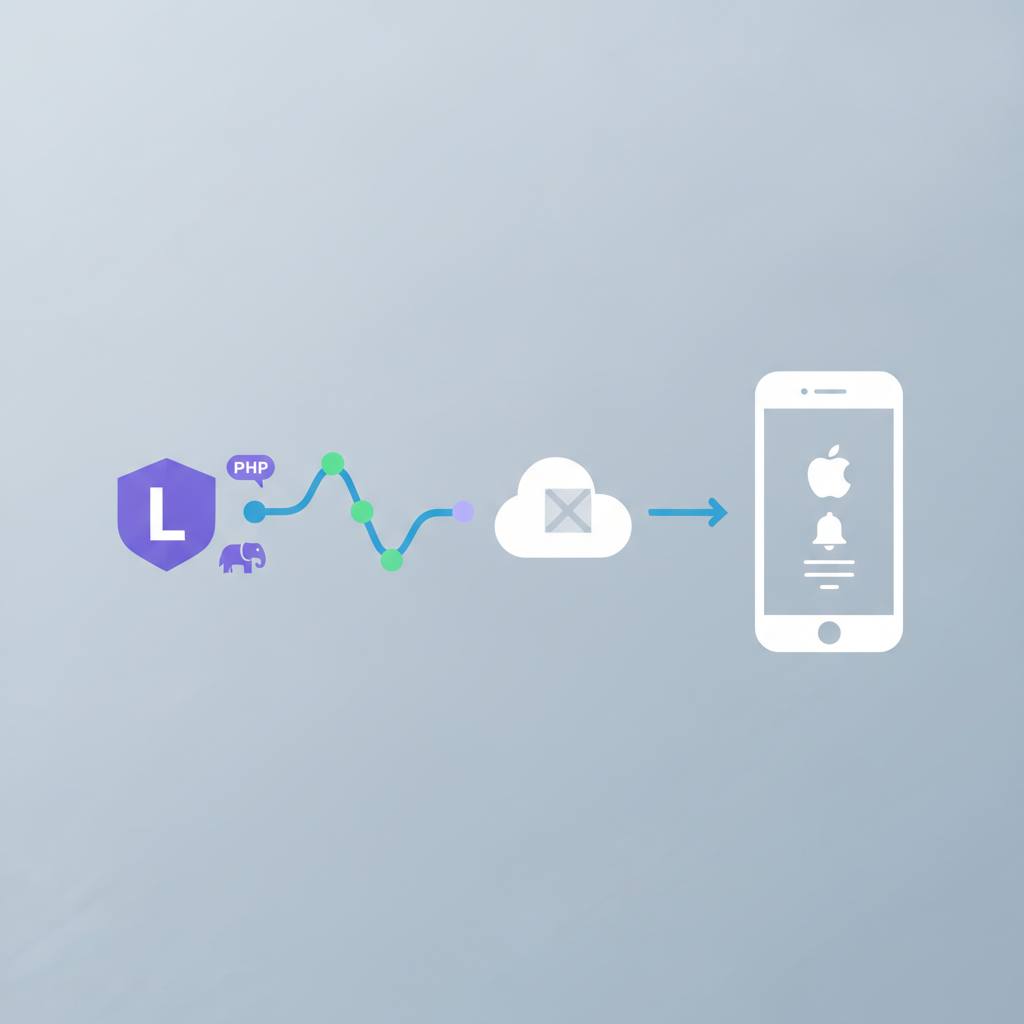
For all you iOS and Laravel developers out there, I've got some fantastic news that could change how you handle push notifications! You no longer need to rely on Firebase to send push notifications to iOS devices. Yes, you read that right: your Laravel backend can now talk directly to Apple's Push Notification service (APNs).
What does this mean for you? Well, for a long time, most tutorials started with 'add the Firebase SDK to your app'. While Firebase works, it means shipping Google's SDK inside your iOS binary just to forward a message to Apple. This can add bloat to your app and introduce another service to manage. Now, you can ditch that complexity!
The new method is simpler and more direct. All it takes is a '.p8' key, a short-lived JSON Web Token (JWT), and one HTTP/2 request. This saves you significant time and reduces the number of services you need to configure for each app. The setup involves obtaining an APNs '.p8' key from the Apple Developer portal. This key is great because, unlike the older '.p12' certificates, it doesn't expire annually, meaning less hassle for you! Remember, you can only download this key once, so store it somewhere safe, ideally outside 'public/' and 'git' folders to protect your credentials.
Of course, you'll need your app's bundle ID, the Key ID, and your Team ID from your Apple Developer account. Crucially, you'll also need the raw APNs device token from the iOS app itself. Don't worry about signing the JWT; the 'firebase/php-jwt' library (just the JWT part, nothing to do with Firebase itself) can handle that for you easily. Common mistakes to avoid include using the wrong token type or targeting the wrong environment (e.g., production instead of sandbox, or vice-versa).
This is a fantastic step towards streamlining your iOS development process with Laravel, giving you more control and efficiency.
What does this mean for you? Well, for a long time, most tutorials started with 'add the Firebase SDK to your app'. While Firebase works, it means shipping Google's SDK inside your iOS binary just to forward a message to Apple. This can add bloat to your app and introduce another service to manage. Now, you can ditch that complexity!
The new method is simpler and more direct. All it takes is a '.p8' key, a short-lived JSON Web Token (JWT), and one HTTP/2 request. This saves you significant time and reduces the number of services you need to configure for each app. The setup involves obtaining an APNs '.p8' key from the Apple Developer portal. This key is great because, unlike the older '.p12' certificates, it doesn't expire annually, meaning less hassle for you! Remember, you can only download this key once, so store it somewhere safe, ideally outside 'public/' and 'git' folders to protect your credentials.
Of course, you'll need your app's bundle ID, the Key ID, and your Team ID from your Apple Developer account. Crucially, you'll also need the raw APNs device token from the iOS app itself. Don't worry about signing the JWT; the 'firebase/php-jwt' library (just the JWT part, nothing to do with Firebase itself) can handle that for you easily. Common mistakes to avoid include using the wrong token type or targeting the wrong environment (e.g., production instead of sandbox, or vice-versa).
This is a fantastic step towards streamlining your iOS development process with Laravel, giving you more control and efficiency.