A developer created a smart local tool called «Ask Iche» to simplify Git for his colleague, tackling common issues like pushes and conflicts. It's like having a personal Git expert right on your laptop.
Ever wished you had a personal Git expert sitting right next to you, ready to help when things go wrong? Well, one developer did more than wish – he built one!
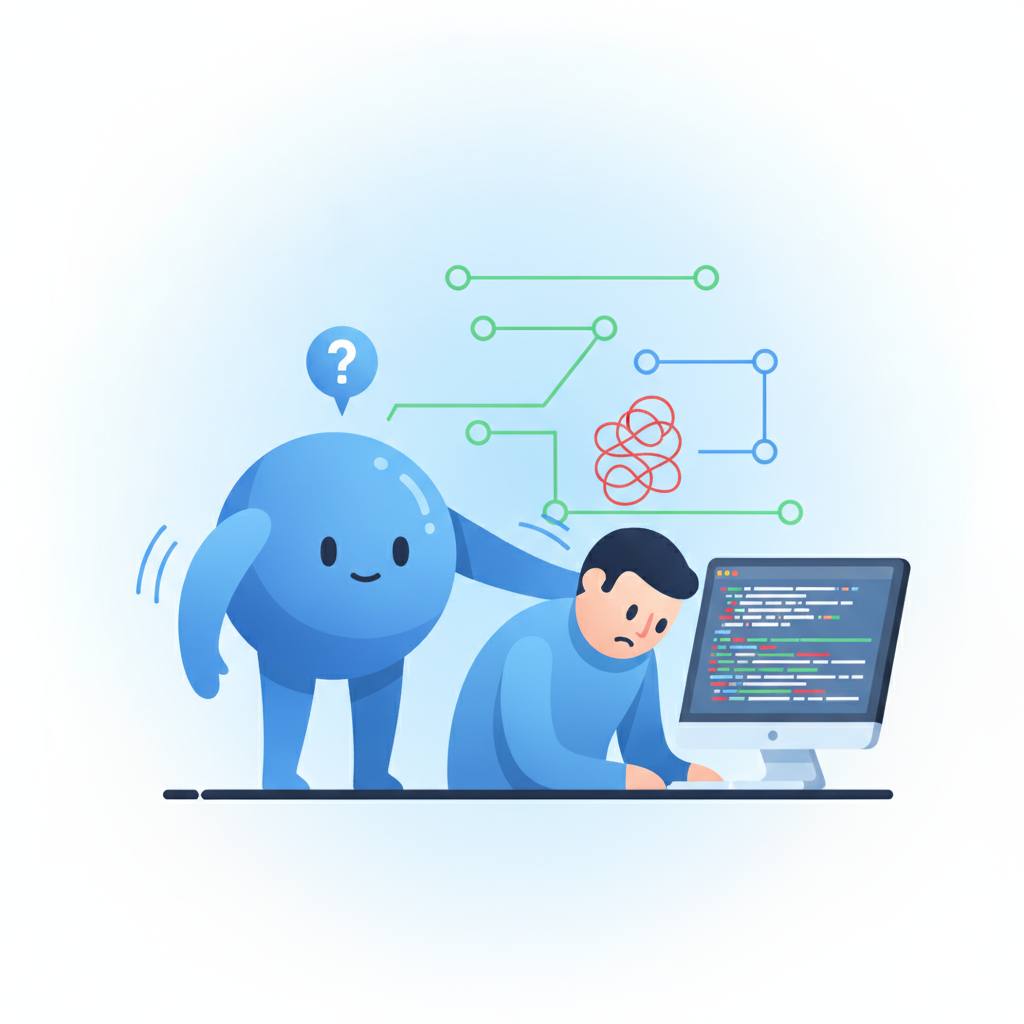
Meet Iche, a developer whose colleague frequently faced the same frustrating Git problems: rejected pushes, merge conflicts, and the like. Instead of endlessly repeating explanations, Iche decided to create a lasting solution for the Hacktoberfest Weekend Challenge. The result is «Ask Iche 🌿», a friendly Git assistant designed to run locally on your own laptop. It's not just for beginners; any developer struggling with Git's complexities can benefit.
«Ask Iche» lets you select your project folder and then offers big, clear buttons for common tasks like «Where am I?», «Save my work», «Upload my work», or «Get latest». You can also describe your problem, like 'my push got rejected'. This clever tool reads your Git repository in read-only mode. A plain rules engine figures out the exact Git steps needed. While it's not a general AI, a local language model, Gemma 3 4B (running via Ollama), explains these steps in simple, human language. Safety is key: a guard checks every command before it runs, and risky steps require your explicit 'yes.' It executes one step at a time, always rechecking your repo's actual state before moving on.
«Ask Iche» handles more than just pushes and pulls. It guides you through named stashes, safely undoing commits (with backup branches), cleaning up branches for review, and managing branches (switching, creating, renaming, deleting, even GitHub's copy). Conflict resolution is made simple, showing 'Yours' and 'Theirs' cards instead of confusing markers. It even includes a tiny 'Learn mode' quiz.
The true aim is empowerment – to make developers less reliant on others for Git help. As Iche's colleague happily exclaimed after trying it, «Ask Iche is really cool... I guess I won't have to disturb you again for any Git issue, haahaa.» This tool truly makes Git simpler and easier for everyone.
Meet Iche, a developer whose colleague frequently faced the same frustrating Git problems: rejected pushes, merge conflicts, and the like. Instead of endlessly repeating explanations, Iche decided to create a lasting solution for the Hacktoberfest Weekend Challenge. The result is «Ask Iche 🌿», a friendly Git assistant designed to run locally on your own laptop. It's not just for beginners; any developer struggling with Git's complexities can benefit.
«Ask Iche» lets you select your project folder and then offers big, clear buttons for common tasks like «Where am I?», «Save my work», «Upload my work», or «Get latest». You can also describe your problem, like 'my push got rejected'. This clever tool reads your Git repository in read-only mode. A plain rules engine figures out the exact Git steps needed. While it's not a general AI, a local language model, Gemma 3 4B (running via Ollama), explains these steps in simple, human language. Safety is key: a guard checks every command before it runs, and risky steps require your explicit 'yes.' It executes one step at a time, always rechecking your repo's actual state before moving on.
«Ask Iche» handles more than just pushes and pulls. It guides you through named stashes, safely undoing commits (with backup branches), cleaning up branches for review, and managing branches (switching, creating, renaming, deleting, even GitHub's copy). Conflict resolution is made simple, showing 'Yours' and 'Theirs' cards instead of confusing markers. It even includes a tiny 'Learn mode' quiz.
The true aim is empowerment – to make developers less reliant on others for Git help. As Iche's colleague happily exclaimed after trying it, «Ask Iche is really cool... I guess I won't have to disturb you again for any Git issue, haahaa.» This tool truly makes Git simpler and easier for everyone.