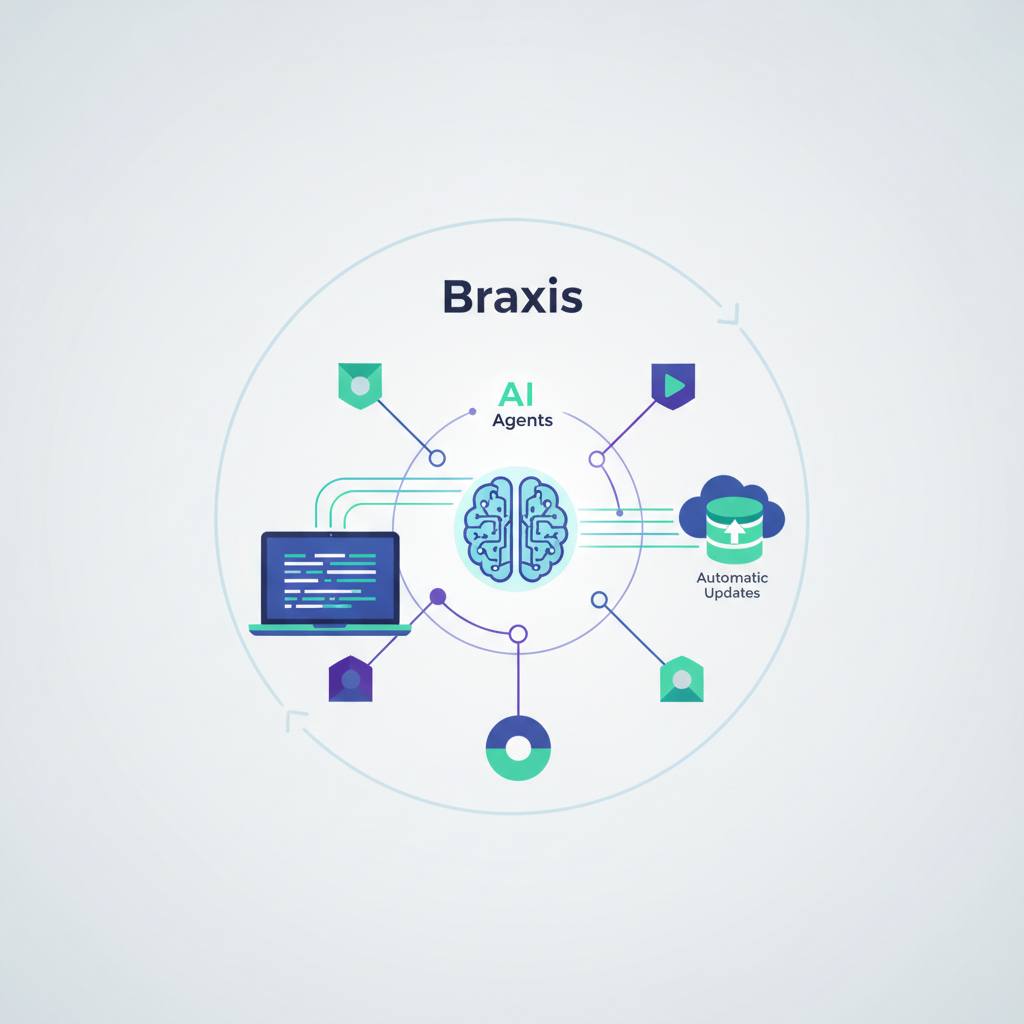
A new tool called Braxis tackles a common issue: it automatically syncs your AI agents' context files with your code changes. This means your smart assistants won't 'hallucinate' or make errors due to outdated project information.
Developers relying on AI agents like Claude Code, Cursor, and Copilot often face a frustrating problem: these agents frequently give bad suggestions or 'hallucinate' because they're working with outdated information about your project. This is where Braxis steps in, a new tool promising to solve this issue once and for all.
Essentially, Braxis updates the context files (like AGENTS.md) that AI agents read to understand your project's structure, error handling patterns, and coding conventions. As you refactor your code, these aspects change, but the static context files don't, leading your smart assistants astray and preventing them from giving you the best possible results.
With Braxis, all it takes is one simple command: 'braxis generate'. This command automatically analyzes your current codebase and generates four fully updated context files (such as AGENTS.md, CLAUDE.md, .cursorrules, and .agentic-config.json). You can even integrate it with tools like GitHub Actions, ensuring Braxis updates these files automatically with every new code push.
Imagine making daily changes to your project. Before Braxis, your AI agent would be reading context files from two weeks ago, unaware of your new directory structure or error handling patterns, leading to incorrect suggestions or even violating project conventions. Now, with every code update, the context files are refreshed, and your AI agents are always aware of the current reality and based on the project's latest state.
Not only that, but Braxis also offers an 'AI Readiness Scoring' feature for your project, giving you a score from 0 to 100 on how well-prepared your code is for AI agents. You can track this score over time to see how your code improves with each refactoring. It's user-friendly, requires zero configuration, and works right out of the box, making it a valuable addition to any developer's workflow.
In short, Braxis makes collaborating with AI agents much smoother and more efficient, guaranteeing that these assistants are always informed about the latest developments in your project, reducing errors and boosting your productivity.
Essentially, Braxis updates the context files (like AGENTS.md) that AI agents read to understand your project's structure, error handling patterns, and coding conventions. As you refactor your code, these aspects change, but the static context files don't, leading your smart assistants astray and preventing them from giving you the best possible results.
With Braxis, all it takes is one simple command: 'braxis generate'. This command automatically analyzes your current codebase and generates four fully updated context files (such as AGENTS.md, CLAUDE.md, .cursorrules, and .agentic-config.json). You can even integrate it with tools like GitHub Actions, ensuring Braxis updates these files automatically with every new code push.
Imagine making daily changes to your project. Before Braxis, your AI agent would be reading context files from two weeks ago, unaware of your new directory structure or error handling patterns, leading to incorrect suggestions or even violating project conventions. Now, with every code update, the context files are refreshed, and your AI agents are always aware of the current reality and based on the project's latest state.
Not only that, but Braxis also offers an 'AI Readiness Scoring' feature for your project, giving you a score from 0 to 100 on how well-prepared your code is for AI agents. You can track this score over time to see how your code improves with each refactoring. It's user-friendly, requires zero configuration, and works right out of the box, making it a valuable addition to any developer's workflow.
In short, Braxis makes collaborating with AI agents much smoother and more efficient, guaranteeing that these assistants are always informed about the latest developments in your project, reducing errors and boosting your productivity.