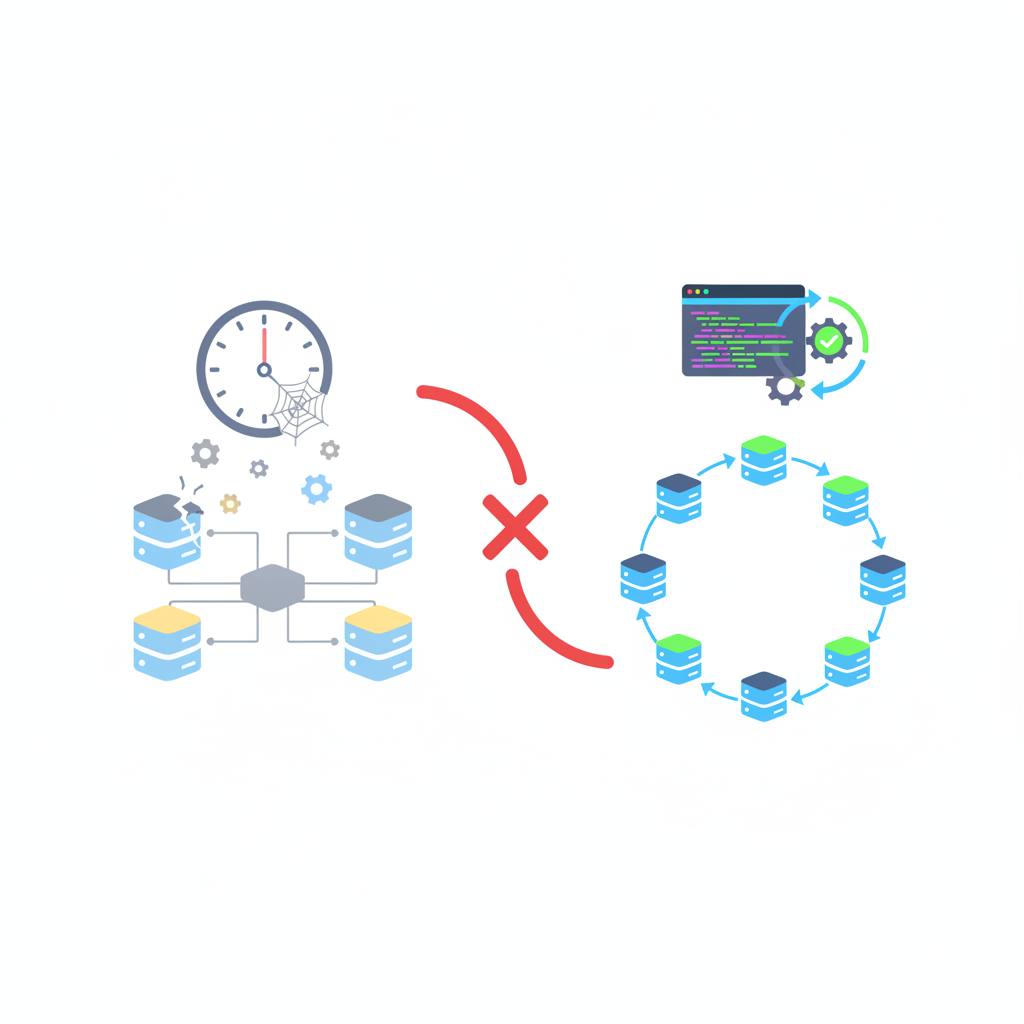
Database schema diagrams often become stale quickly because they are static representations of a constantly changing database. The best solution is to automate their generation directly from your live database, ensuring they are always accurate.
Ever looked at a database schema diagram and found it completely wrong? You're not alone. This is a common problem because these diagrams are static snapshots of a constantly evolving target – your database. What this means for you is that your team might be making decisions based on outdated information, leading to costly errors and misunderstandings.
Database changes are a daily occurrence. A developer adds a new column, renames a table via a migration, and suddenly, that beautiful diagram saved in your Confluence page, Figma file, or as a static image in your code repository is useless. The migration 'just works,' so no one ever thinks to update the diagram. This crucial maintenance task often falls into a grey area between frontend, backend, and DevOps teams. Everyone assumes someone else will take care of it, and in reality, no one does.
Some teams attempt to manage this by manually updating a 'SCHEMA.md' file within the same Pull Request that introduces a schema change. They might even add 'SCHEMA.md updated' to their PR checklist. However, experience shows that 'nobody does it' reliably. This manual approach is prone to human error and inconsistency, which defeats the purpose of having an accurate diagram.
The most effective and truly reliable solution is to generate your schema diagrams directly from your live database. This approach ensures your diagram is always 100% accurate, as it draws directly from the true source of information. Think of it as the 'nuclear option' for diagram integrity.
You can integrate this automated generation process into your Continuous Integration (CI) pipeline. For example, using tools like 'pg_dump' to extract your schema and then automatically creating a diagram from that output. By running this step on every push to your main branch, your diagram will typically be just one commit behind, which is more than accurate enough for practical daily use. This method eliminates manual updates, removes any guesswork about who is responsible, and guarantees your team always has access to an up-to-date, reliable representation of your database structure, ultimately saving time and preventing errors.
Database changes are a daily occurrence. A developer adds a new column, renames a table via a migration, and suddenly, that beautiful diagram saved in your Confluence page, Figma file, or as a static image in your code repository is useless. The migration 'just works,' so no one ever thinks to update the diagram. This crucial maintenance task often falls into a grey area between frontend, backend, and DevOps teams. Everyone assumes someone else will take care of it, and in reality, no one does.
Some teams attempt to manage this by manually updating a 'SCHEMA.md' file within the same Pull Request that introduces a schema change. They might even add 'SCHEMA.md updated' to their PR checklist. However, experience shows that 'nobody does it' reliably. This manual approach is prone to human error and inconsistency, which defeats the purpose of having an accurate diagram.
The most effective and truly reliable solution is to generate your schema diagrams directly from your live database. This approach ensures your diagram is always 100% accurate, as it draws directly from the true source of information. Think of it as the 'nuclear option' for diagram integrity.
You can integrate this automated generation process into your Continuous Integration (CI) pipeline. For example, using tools like 'pg_dump' to extract your schema and then automatically creating a diagram from that output. By running this step on every push to your main branch, your diagram will typically be just one commit behind, which is more than accurate enough for practical daily use. This method eliminates manual updates, removes any guesswork about who is responsible, and guarantees your team always has access to an up-to-date, reliable representation of your database structure, ultimately saving time and preventing errors.