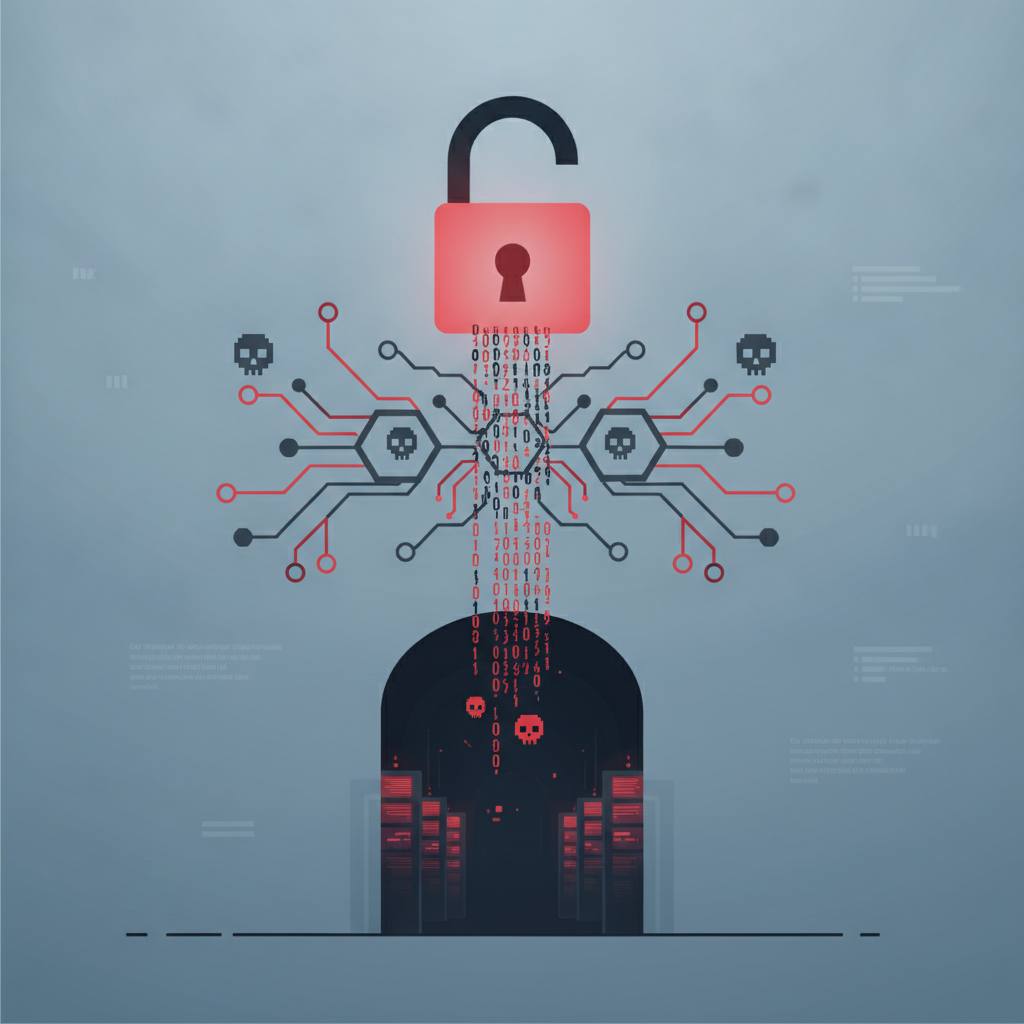
A recent security report revealed the 'GitSpawn' vulnerability, allowing dangerous code execution via Git configuration files in untrusted repositories, especially when using AI coding agents. This means opening a project from an unverified source could lead to harmful commands running on your machine without your knowledge.
Git is a cornerstone for software developers, enabling efficient change tracking and collaboration. But what if a Git repository you download becomes a source of hidden danger? This is precisely what recent news about the 'GitSpawn' vulnerability has revealed. Imagine you download a coding project to explore, then use an AI-powered coding agent to open it. This agent might automatically run basic Git commands, such as 'git status', to gather information about the project. Here lies the risk.
Git's configuration files, known as '.git/config', allow you to customize how Git behaves. Most of these settings are safe, but a few can be highly dangerous. For instance, the 'core.fsmonitor' setting is a legitimate feature designed to speed up Git by running an external program to identify changed files instead of scanning the entire filesystem. The problem is that the value of this setting can be any command.
If a malicious repository modifies its 'config' file to include a harmful command under 'core.fsmonitor' or similar settings like 'core.hooksPath', 'filter.', or 'diff.', then simply running basic Git commands like 'git status' or 'git diff'—whether by an automated agent or even by yourself—will execute that malicious command. Crucially, this code runs on your computer with your user's permissions, outside any sandbox the coding agent might provide. This means an attacker could access your files, install malware, or execute anything else on your machine without your permission or even a prompt.
To protect against this threat, it is crucial to always exercise caution with repositories obtained from untrusted sources. Before allowing any automated tool to process the repository, or even before running any Git command yourself, use the following command to inspect its local configurations:
`git -C /path/to/repo config --local --list --show-origin`
If the output contains anything like 'core.fsmonitor', 'core.hooksPath', 'filter.', or 'diff.' that names a command or program, stop immediately. This indicates the repository might be compromised. Remember, knowledge is your first line of defense in the ever-evolving world of cybersecurity.
Git's configuration files, known as '.git/config', allow you to customize how Git behaves. Most of these settings are safe, but a few can be highly dangerous. For instance, the 'core.fsmonitor' setting is a legitimate feature designed to speed up Git by running an external program to identify changed files instead of scanning the entire filesystem. The problem is that the value of this setting can be any command.
If a malicious repository modifies its 'config' file to include a harmful command under 'core.fsmonitor' or similar settings like 'core.hooksPath', 'filter.', or 'diff.', then simply running basic Git commands like 'git status' or 'git diff'—whether by an automated agent or even by yourself—will execute that malicious command. Crucially, this code runs on your computer with your user's permissions, outside any sandbox the coding agent might provide. This means an attacker could access your files, install malware, or execute anything else on your machine without your permission or even a prompt.
To protect against this threat, it is crucial to always exercise caution with repositories obtained from untrusted sources. Before allowing any automated tool to process the repository, or even before running any Git command yourself, use the following command to inspect its local configurations:
`git -C /path/to/repo config --local --list --show-origin`
If the output contains anything like 'core.fsmonitor', 'core.hooksPath', 'filter.', or 'diff.' that names a command or program, stop immediately. This indicates the repository might be compromised. Remember, knowledge is your first line of defense in the ever-evolving world of cybersecurity.