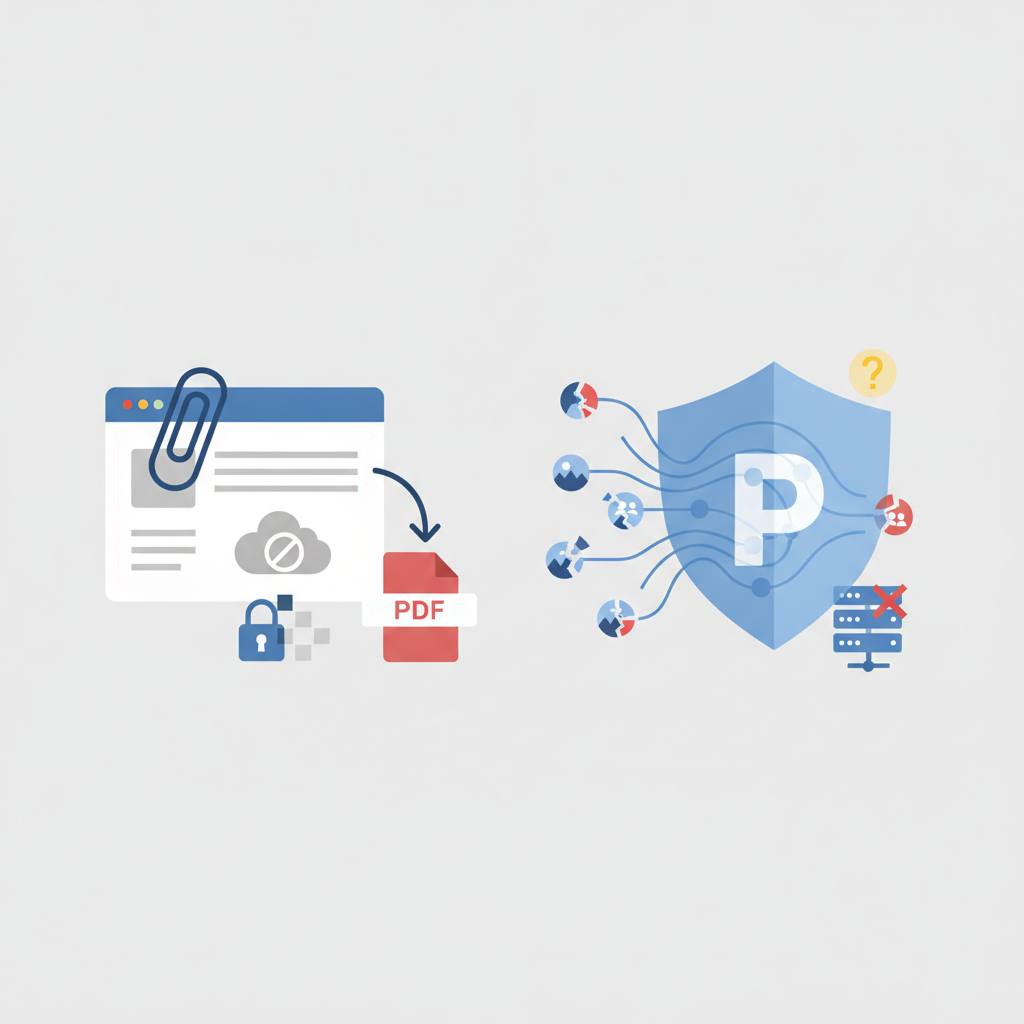
Converting emails to PDF files directly in your browser faces significant hurdles when dealing with remote images, due to privacy concerns like tracking pixels and browser security restrictions like CORS.
Have you ever tried to save an email as a PDF directly from your browser? It might sound straightforward, especially with text and embedded attachments, but what about the remote images some emails rely on? That’s where things get both fascinating and surprisingly complex!
The good news is that developers are working hard to deliver solutions that let you save emails seamlessly, paying close attention to every detail. It's not just about saving a webpage; it's about securely and efficiently reconstructing the content. The challenge arose when someone attempted to add a 'save as PDF' function to a browser-based mail viewer. While parsing text, headers, and attachments was easy, remote images proved to be the real hurdle. Imagine a newsletter printed with blank gaps where its pictures should be – it looks like a bug! So, a solution had to be found.
However, the solution isn't simple; it demands a delicate balance between functionality and user privacy. For instance, loading a remote image inadvertently tells the sender's server that you've opened the email and from where. This is precisely how 'tracking pixels' operate. To uphold the promise of tools stating 'your mail never leaves your device,' the application must not accidentally become an open-tracker. Therefore, strict rules are in place: no proxies are used, meaning the browser requests the image directly from its host. Requests are made without user credentials or the referrer page address, ensuring no tracking information is sent. Images clearly identified as beacons (like those with a width or height of 2 pixels or less) are also never requested. Furthermore, to prevent an email from using the converter to probe your private network, requests targeting private-network IP addresses or the local machine are outright refused.
Then there are the technical challenges related to the browser's 'platform' itself. When code on a web page tries to `fetch()` an image from a different origin (cross-origin), it can only read the image's bytes if the original server explicitly allows it through 'Cross-Origin Resource Sharing' (CORS) policies. While an `<img>` tag can display such a picture, the underlying code cannot obtain its bytes to embed in a PDF without CORS permission. When a CORS check fails, the browser provides a generic network error. This makes it impossible to distinguish between a server being down, the server denying image reading permissions, or the picture having moved. All these scenarios present as a single, generic error.
All of this illustrates the complexity behind a seemingly simple feature. But these efforts ensure a better and safer experience when you interact with your email and convert it to other formats.
The good news is that developers are working hard to deliver solutions that let you save emails seamlessly, paying close attention to every detail. It's not just about saving a webpage; it's about securely and efficiently reconstructing the content. The challenge arose when someone attempted to add a 'save as PDF' function to a browser-based mail viewer. While parsing text, headers, and attachments was easy, remote images proved to be the real hurdle. Imagine a newsletter printed with blank gaps where its pictures should be – it looks like a bug! So, a solution had to be found.
However, the solution isn't simple; it demands a delicate balance between functionality and user privacy. For instance, loading a remote image inadvertently tells the sender's server that you've opened the email and from where. This is precisely how 'tracking pixels' operate. To uphold the promise of tools stating 'your mail never leaves your device,' the application must not accidentally become an open-tracker. Therefore, strict rules are in place: no proxies are used, meaning the browser requests the image directly from its host. Requests are made without user credentials or the referrer page address, ensuring no tracking information is sent. Images clearly identified as beacons (like those with a width or height of 2 pixels or less) are also never requested. Furthermore, to prevent an email from using the converter to probe your private network, requests targeting private-network IP addresses or the local machine are outright refused.
Then there are the technical challenges related to the browser's 'platform' itself. When code on a web page tries to `fetch()` an image from a different origin (cross-origin), it can only read the image's bytes if the original server explicitly allows it through 'Cross-Origin Resource Sharing' (CORS) policies. While an `<img>` tag can display such a picture, the underlying code cannot obtain its bytes to embed in a PDF without CORS permission. When a CORS check fails, the browser provides a generic network error. This makes it impossible to distinguish between a server being down, the server denying image reading permissions, or the picture having moved. All these scenarios present as a single, generic error.
All of this illustrates the complexity behind a seemingly simple feature. But these efforts ensure a better and safer experience when you interact with your email and convert it to other formats.