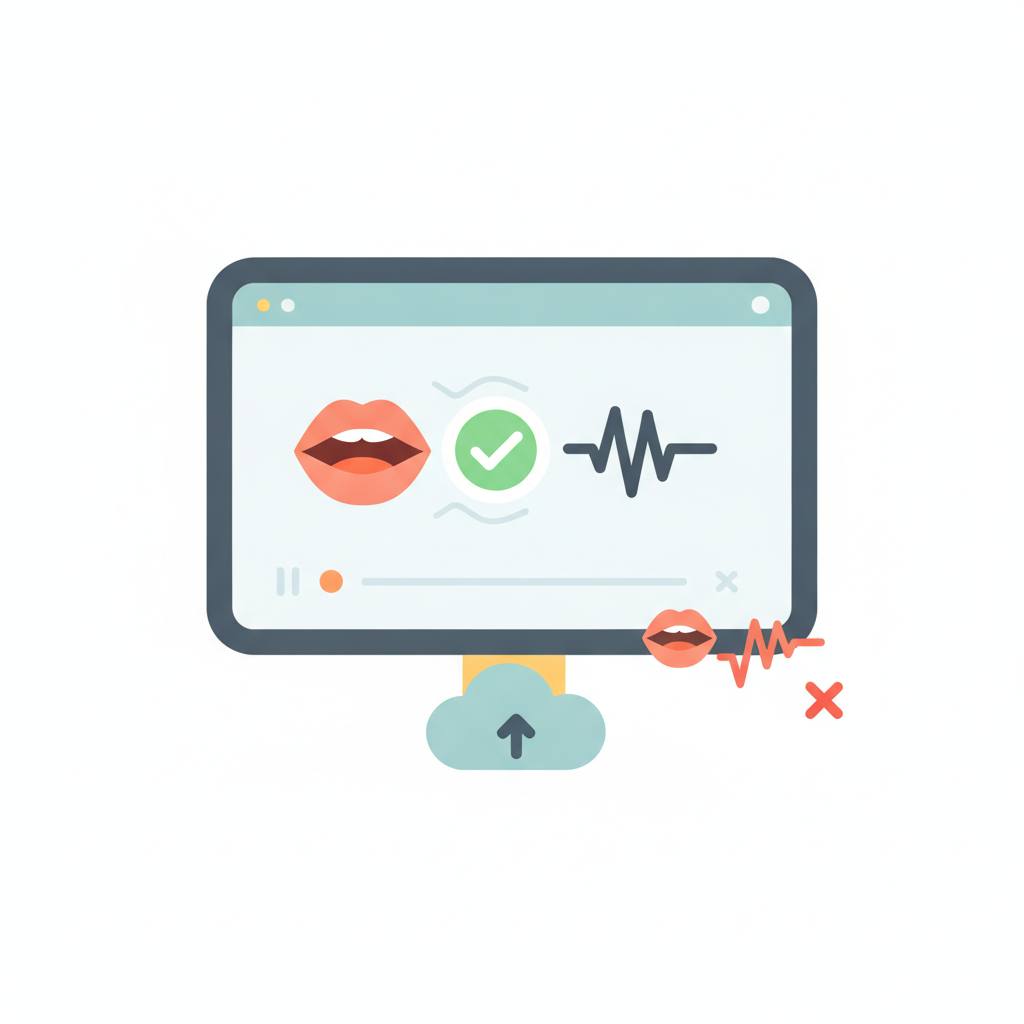
Working on lip-sync projects? There's now a small local tool to help you verify that your video and audio files meet the basic requirements of online tools, saving you the frustration of failed uploads.
If you've ever used online lip-sync tools, you know the frustration of uploading a large video or audio file, only to find out after a long wait that it doesn't meet the requirements and gets rejected. The good news is, there's now a way to avoid that frustration entirely! A tiny local checker has been built to help you test your files *before* you even hit the upload button.
Public lip-sync tools, like those in the 'Wan-family', typically ask for a person's video and a target audio track. These tools come with practical limits: video is often capped around 500 MB (MP4/MOV) and audio around 10 MB, along with short duration limits. Previously, the only way to know if your files were compatible was to upload them first, wasting precious time waiting for a slow upload and then being greeted by a 'red banner' error.
But thanks to this new development, you can now perform a 'pre-flight check' right on your own computer. This small tool uses `ffmpeg` and `ffprobe` to examine your files. What's clever is that it uses *synthetic files* for testing, meaning you're not submitting any actual lip-sync jobs during the verification process. A script handles these size and extension rules, and you can even edit these constants if the online tool's requirements ever change.
Checking is straightforward; you simply run a command like `python3 preflight_lipsync.py --video take.mp4 --audio line.wav`. If it fails, the exit code is non-zero, which is handy for automating tasks. There's also a `--self-test` option to generate tiny synthetic files and verify them.
It's important to remember that these size and format checks don't prove the mouth is clearly visible in the video or that the audio is mono speech. So, even after the script passes, a human (or a deeper `ffprobe` check) should confirm duration, resolution, and track layout. You should reject clips where the mouth leaves the frame, or where background music drowns the speech you want synced. If your video is too large, re-encode it with a milder bitrate. For oversized audio, export speech-only WAV/MP3 at talk-radio bitrates. And if you have the wrong extension, remux the file instead of just blindly renaming it. This new tool is a fantastic step to save you time and effort!
Public lip-sync tools, like those in the 'Wan-family', typically ask for a person's video and a target audio track. These tools come with practical limits: video is often capped around 500 MB (MP4/MOV) and audio around 10 MB, along with short duration limits. Previously, the only way to know if your files were compatible was to upload them first, wasting precious time waiting for a slow upload and then being greeted by a 'red banner' error.
But thanks to this new development, you can now perform a 'pre-flight check' right on your own computer. This small tool uses `ffmpeg` and `ffprobe` to examine your files. What's clever is that it uses *synthetic files* for testing, meaning you're not submitting any actual lip-sync jobs during the verification process. A script handles these size and extension rules, and you can even edit these constants if the online tool's requirements ever change.
Checking is straightforward; you simply run a command like `python3 preflight_lipsync.py --video take.mp4 --audio line.wav`. If it fails, the exit code is non-zero, which is handy for automating tasks. There's also a `--self-test` option to generate tiny synthetic files and verify them.
It's important to remember that these size and format checks don't prove the mouth is clearly visible in the video or that the audio is mono speech. So, even after the script passes, a human (or a deeper `ffprobe` check) should confirm duration, resolution, and track layout. You should reject clips where the mouth leaves the frame, or where background music drowns the speech you want synced. If your video is too large, re-encode it with a milder bitrate. For oversized audio, export speech-only WAV/MP3 at talk-radio bitrates. And if you have the wrong extension, remux the file instead of just blindly renaming it. This new tool is a fantastic step to save you time and effort!