A new guide walks you through setting up Tailscale v1.104.1 on a Linux home lab, helping you securely connect your devices. This means you can easily get your homelab machines on your private network, even without deep technical knowledge.
Good news for homelab enthusiasts! A practical guide has emerged, showing you exactly how to install Tailscale version 1.104.1 on your Linux home lab setup. What this means for you is a straightforward path to securely connecting your personal devices and servers, turning your home network into a private, accessible hub from anywhere.
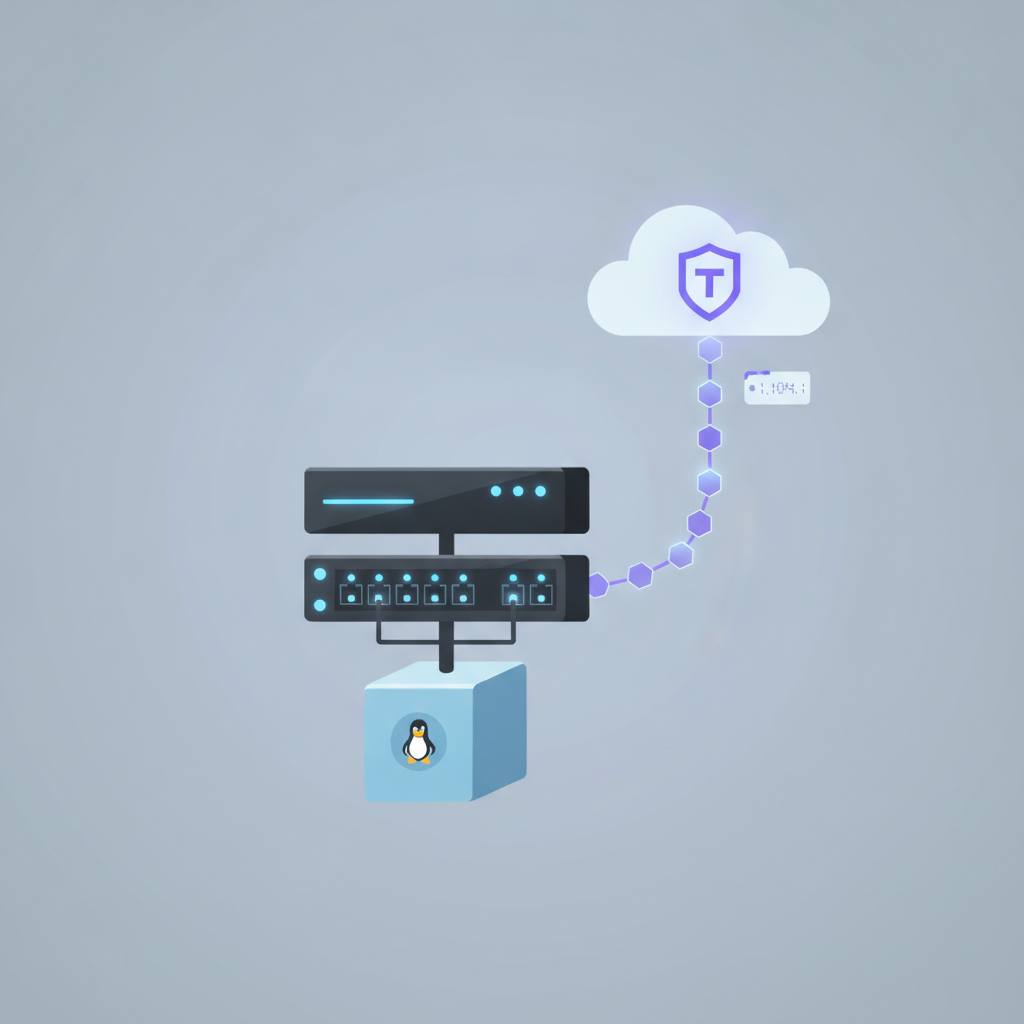
Tailscale helps you create a secure private network for your devices, making them act as if they are all on the same local network, no matter where they are physically. It's great for managing your home servers, NAS, or other devices remotely and safely.
The guide focuses on Linux, detailing how to get Tailscale running, authenticate it to your 'tailnet' (your private network), and confirm everything is working. You'll need a Linux machine with a package manager like 'apt', 'yum', or 'zypper', plus 'sudo' access. Also, make sure the 'tun' kernel module is loaded – if not, it’s a quick command away: 'sudo modprobe tun', and you can set it to load automatically at startup.
While the guide references version 1.104.1, it's good to know that the installation script generally installs the latest available version. The original source also mentions that Tailscale v1.104 has specific requirements for Apple devices: macOS Ventura 13 or later and iOS 16 or later. But don't worry, these don't affect your Linux homelab setup.
For most Linux distributions, the process involves a simple one-line installation script. The best practice is to always copy this command directly from Tailscale's official Linux installation page to ensure you have the correct and most up-to-date version. If you're cautious (and we recommend you are!), download the script first to review it before running. If your distribution isn't covered by the script, there are static binaries available, requiring a few manual steps to extract and run.
After installation, you'll use the 'sudo tailscale up' command. This will give you a special URL, which you'll use to authenticate your machine and bring it into your secure Tailscale network. It's quite simple, and once done, your homelab device will be part of your secure, private ecosystem.
Tailscale helps you create a secure private network for your devices, making them act as if they are all on the same local network, no matter where they are physically. It's great for managing your home servers, NAS, or other devices remotely and safely.
The guide focuses on Linux, detailing how to get Tailscale running, authenticate it to your 'tailnet' (your private network), and confirm everything is working. You'll need a Linux machine with a package manager like 'apt', 'yum', or 'zypper', plus 'sudo' access. Also, make sure the 'tun' kernel module is loaded – if not, it’s a quick command away: 'sudo modprobe tun', and you can set it to load automatically at startup.
While the guide references version 1.104.1, it's good to know that the installation script generally installs the latest available version. The original source also mentions that Tailscale v1.104 has specific requirements for Apple devices: macOS Ventura 13 or later and iOS 16 or later. But don't worry, these don't affect your Linux homelab setup.
For most Linux distributions, the process involves a simple one-line installation script. The best practice is to always copy this command directly from Tailscale's official Linux installation page to ensure you have the correct and most up-to-date version. If you're cautious (and we recommend you are!), download the script first to review it before running. If your distribution isn't covered by the script, there are static binaries available, requiring a few manual steps to extract and run.
After installation, you'll use the 'sudo tailscale up' command. This will give you a special URL, which you'll use to authenticate your machine and bring it into your secure Tailscale network. It's quite simple, and once done, your homelab device will be part of your secure, private ecosystem.