If you're using hosted checkout pages for your sales, you might be missing crucial purchase data in your analytics. Learn how a clever setup can accurately track customer attribution by storing visitor info and integrating it with your payment system.
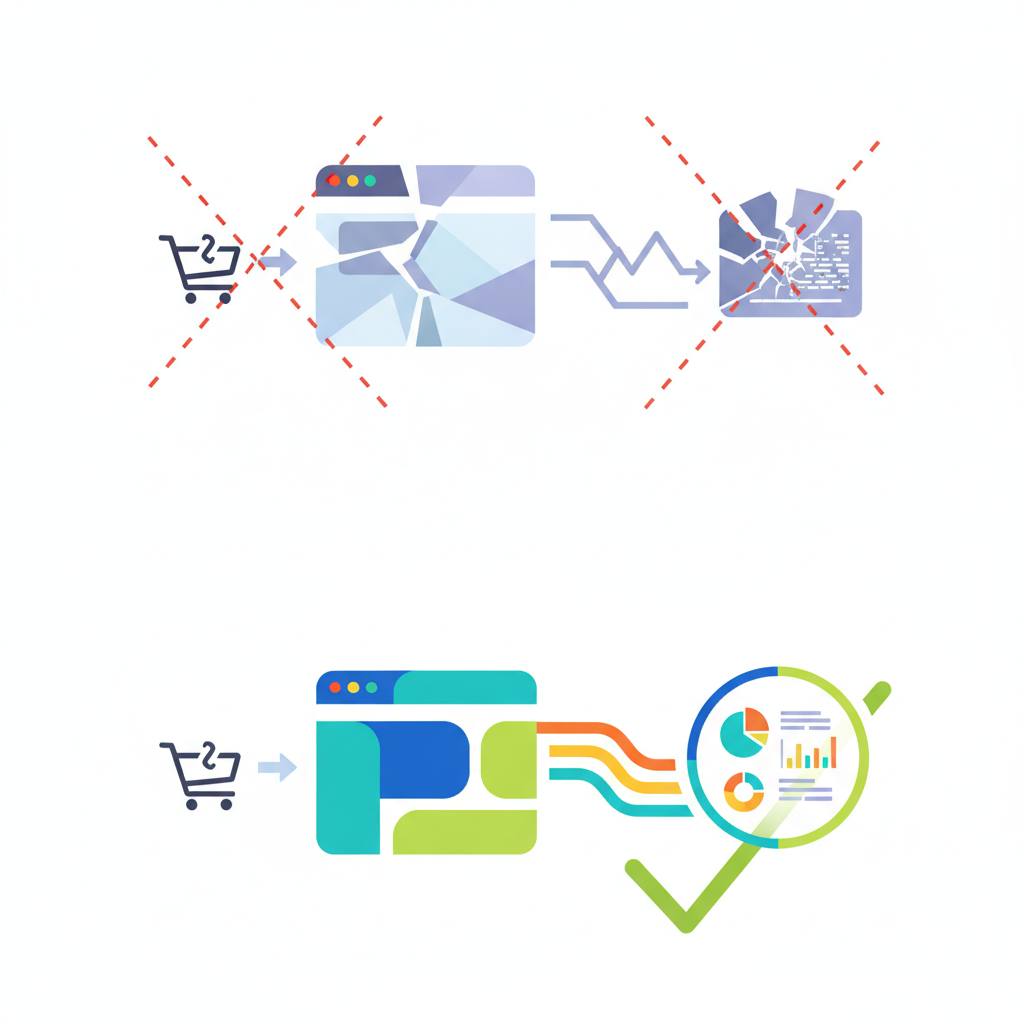
Hey WondTech readers! Have you ever noticed your sales showing up perfectly in your payment dashboard, but your website analytics (like GA4) barely register any of those purchases? This is a super common issue, especially if you're using hosted checkout pages — that is, when your customers pay on a third-party domain, like your payment provider's site, rather than directly on yours.
The problem is quite simple: when a customer leaves your site to complete their payment on another domain, they often never return. This means the purchase event, which is supposed to fire on your site, never gets triggered. The result? You can't tell which marketing channel actually brought in that sale, making it impossible to truly measure your marketing efforts. This is exactly what happened to the developer behind Belle AI, whose analytics reported almost nothing.
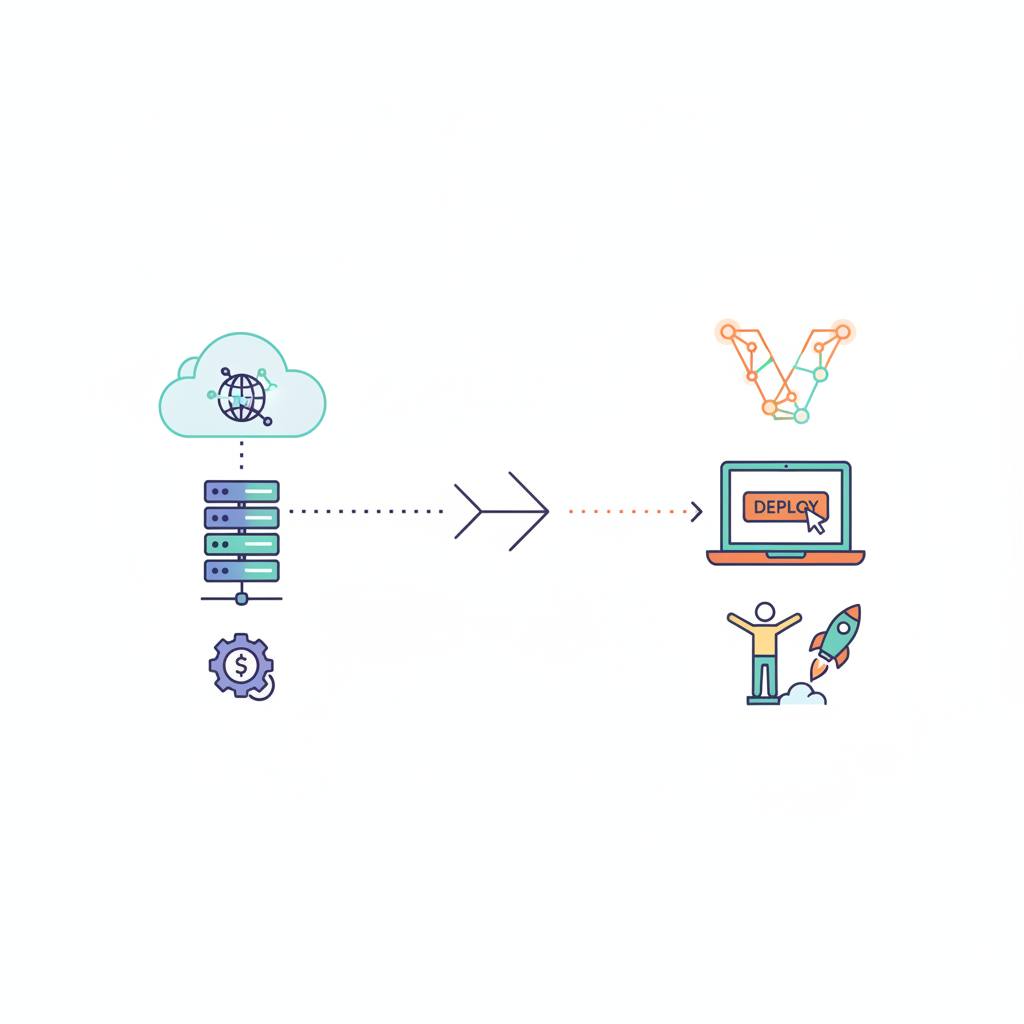
But here's the good news: there's a solution! This setup involves three main parts:
1. **Storing Initial Visitor Data:** When someone first arrives at your site, whether from an ad campaign (using UTM parameters) or an external site (like a search engine), this initial information is stored in their browser (using localStorage). The key here is to capture the 'first touch' – meaning this information isn't overwritten if the customer visits your site directly again later. This ensures you always know the original source that brought them to you.
2. **Passing Data at Checkout:** When the customer proceeds to checkout, this stored attribution information (like campaign source and medium) along with their Google Analytics identifiers is passed into the order's metadata with your payment provider. Essentially, every purchase order carries with it the story of how that customer arrived.
3. **Echoing Data via Webhooks:** After the payment is successfully completed, your payment provider sends this stored data — including the attribution information you passed to them — back to your site using what's called a 'webhook.' This way, even if the customer never returns to your site, you still receive the complete purchase information, including its original source.
With this clever setup, you can finally connect actual sales to the marketing channels that generated them. This means you can see which ads, search engines, or links are truly working, allowing you to make smarter marketing decisions. This isn't just some complex developer trick; it's a crucial step to ensure every dollar you spend on marketing is accurately tracked!
The problem is quite simple: when a customer leaves your site to complete their payment on another domain, they often never return. This means the purchase event, which is supposed to fire on your site, never gets triggered. The result? You can't tell which marketing channel actually brought in that sale, making it impossible to truly measure your marketing efforts. This is exactly what happened to the developer behind Belle AI, whose analytics reported almost nothing.
But here's the good news: there's a solution! This setup involves three main parts:
1. **Storing Initial Visitor Data:** When someone first arrives at your site, whether from an ad campaign (using UTM parameters) or an external site (like a search engine), this initial information is stored in their browser (using localStorage). The key here is to capture the 'first touch' – meaning this information isn't overwritten if the customer visits your site directly again later. This ensures you always know the original source that brought them to you.
2. **Passing Data at Checkout:** When the customer proceeds to checkout, this stored attribution information (like campaign source and medium) along with their Google Analytics identifiers is passed into the order's metadata with your payment provider. Essentially, every purchase order carries with it the story of how that customer arrived.
3. **Echoing Data via Webhooks:** After the payment is successfully completed, your payment provider sends this stored data — including the attribution information you passed to them — back to your site using what's called a 'webhook.' This way, even if the customer never returns to your site, you still receive the complete purchase information, including its original source.
With this clever setup, you can finally connect actual sales to the marketing channels that generated them. This means you can see which ads, search engines, or links are truly working, allowing you to make smarter marketing decisions. This isn't just some complex developer trick; it's a crucial step to ensure every dollar you spend on marketing is accurately tracked!