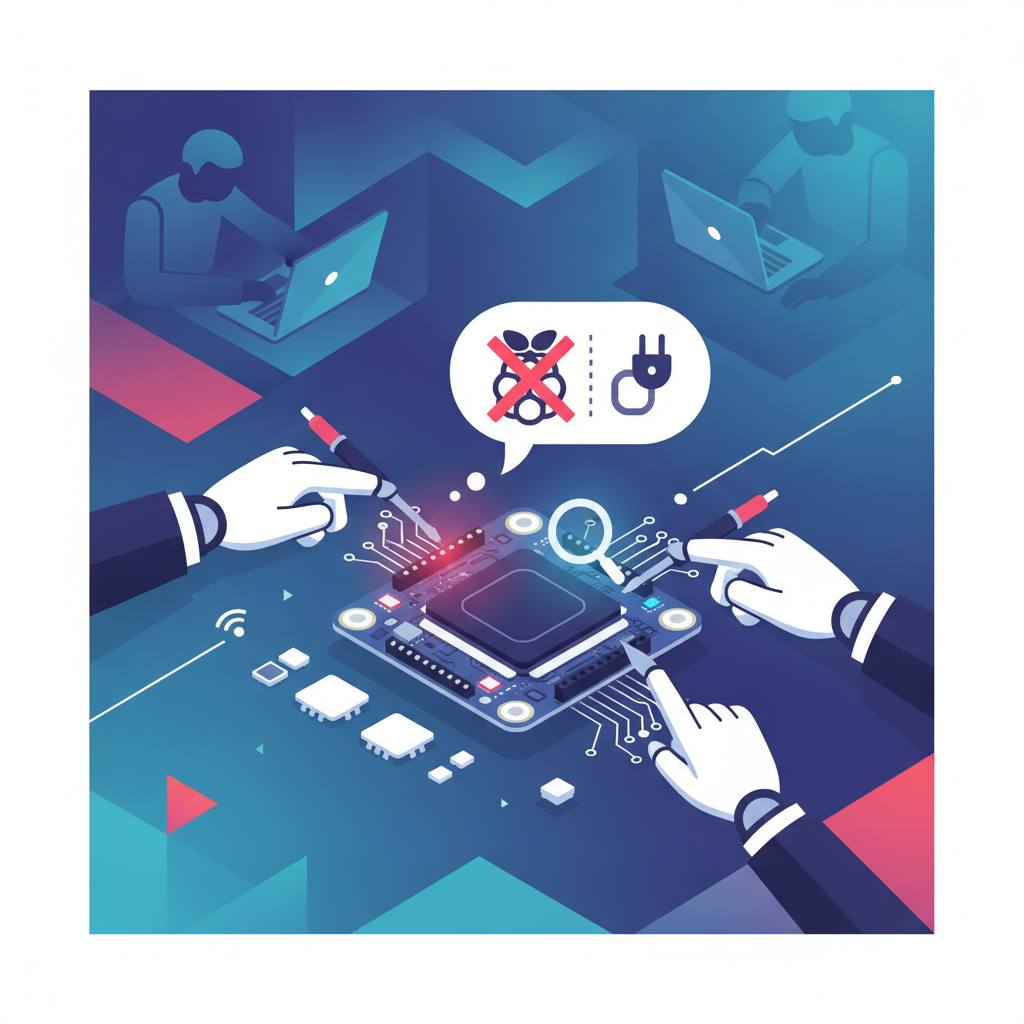
Is your Raspberry Pi throwing a tantrum at a hackathon? Don't fret! Major League Hacking (MLH) has put together a dedicated 'Troubleshooting Kit' to help you get your project back on track quickly and smoothly.
If your Raspberry Pi is acting up in the middle of a hackathon sprint, there's no need to panic! Major League Hacking (MLH) has put together a smart, convenient solution for you: a dedicated 'Troubleshooting Kit' designed specifically to help you overcome any hurdles. This means, as a hacker, you can now focus more on innovation and less on worrying about technical glitches.
It's very common for these tiny Raspberry Pi devices to run into issues during intense hackathon events. They often get heavy usage, and their SD cards can accumulate ghost settings or corruption from previous events, causing the device to misbehave. The good news is, you haven't broken anything; this is just a normal 'right of passage' when dealing with these devices in a fast-paced hackathon environment. To help you in these moments, MLH provides a comprehensive kit right in the event's 'Hardware Lab'.
All you need to do is head over to the Hardware Lab and grab the kit. Inside, you'll find essential, indispensable tools: a 7-inch Portable Screen & HDMI Cable to give you direct visual access to the Pi’s terminal without needing network magic, a Mini Bluetooth/Wireless Keyboard for typing commands directly, a USB MicroSD Card Reader/Writer that lets you plug SD cards into your laptop to wipe or re-flash them, and Fresh Spare MicroSD Cards that are clean slates ready for a brand-new OS installation. These tools will be used in two main phases: 'Direct Hardware Diagnostics' to see exactly what's wrong, and 'SD Card Re-Flashing' to reset it to a squeaky-clean state. Remember, this kit must stay at the Hardware Lab table so everyone can use it as needed. So, next time your Raspberry Pi is throwing a tantrum, take a breath, and head to the Hardware Lab to troubleshoot it step by step!
It's very common for these tiny Raspberry Pi devices to run into issues during intense hackathon events. They often get heavy usage, and their SD cards can accumulate ghost settings or corruption from previous events, causing the device to misbehave. The good news is, you haven't broken anything; this is just a normal 'right of passage' when dealing with these devices in a fast-paced hackathon environment. To help you in these moments, MLH provides a comprehensive kit right in the event's 'Hardware Lab'.
All you need to do is head over to the Hardware Lab and grab the kit. Inside, you'll find essential, indispensable tools: a 7-inch Portable Screen & HDMI Cable to give you direct visual access to the Pi’s terminal without needing network magic, a Mini Bluetooth/Wireless Keyboard for typing commands directly, a USB MicroSD Card Reader/Writer that lets you plug SD cards into your laptop to wipe or re-flash them, and Fresh Spare MicroSD Cards that are clean slates ready for a brand-new OS installation. These tools will be used in two main phases: 'Direct Hardware Diagnostics' to see exactly what's wrong, and 'SD Card Re-Flashing' to reset it to a squeaky-clean state. Remember, this kit must stay at the Hardware Lab table so everyone can use it as needed. So, next time your Raspberry Pi is throwing a tantrum, take a breath, and head to the Hardware Lab to troubleshoot it step by step!