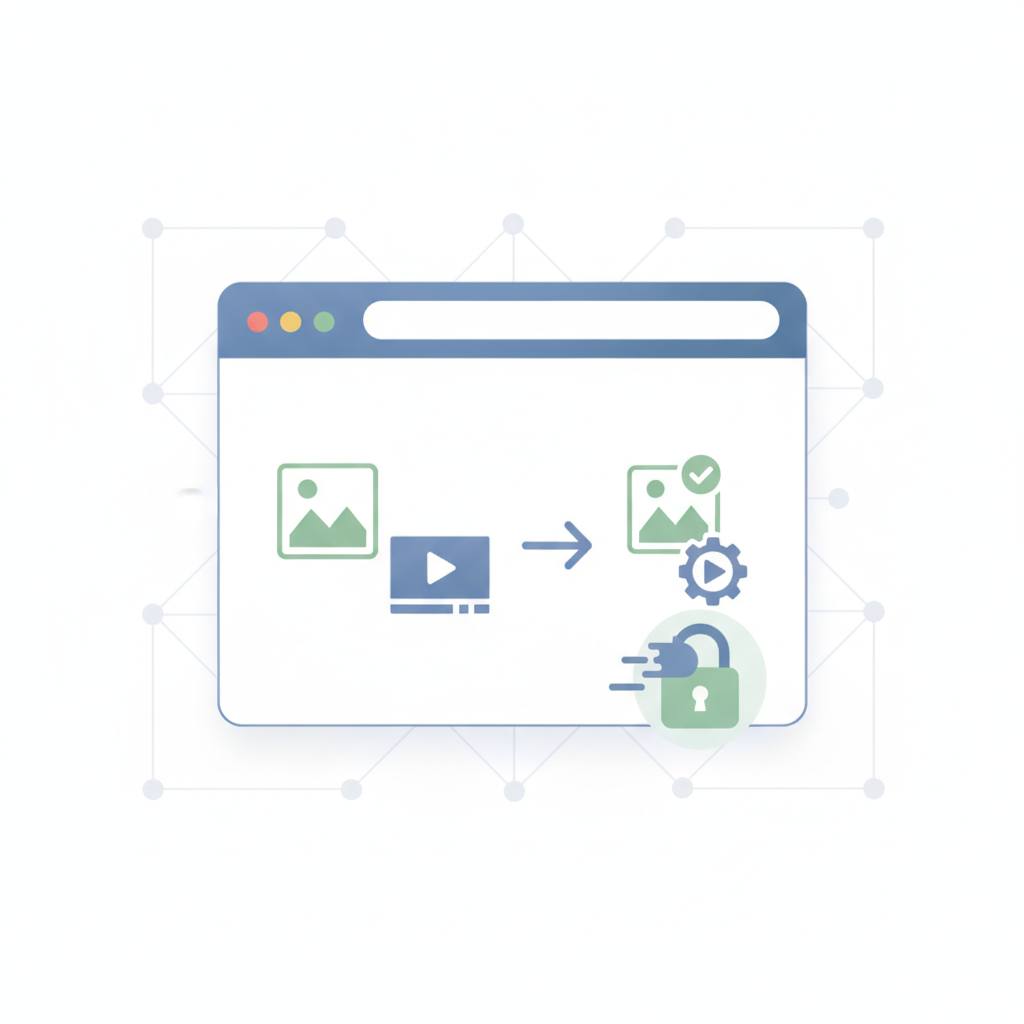
Ever wondered how online file converters can work without uploading your data? We'll learn how modern browsers process images and videos directly on your device, ensuring privacy and saving time.
In today's digital world, we use online tools for almost everything, including converting images and videos. But have you ever stopped to think about how these tools actually work? Most 'free online converters' often use a simple method: you pick a file, it's uploaded to a remote server on the internet, converted there, and then the converted file is sent back to you. This is perfectly fine if you're converting a funny meme to share with friends, but what if it's personal family photos, a passport scan, or client footage under a non-disclosure agreement (NDA)?
Here's where the issue arises: when your files are uploaded to a remote server, they leave your device and travel to a location you might not fully know or trust. This raises significant concerns about privacy and security. Today's exciting news highlights a clever solution to this problem with a tool called «VisualRefiner», which converts images and videos right in your browser, without ever needing to upload them to a server.
How does this magic happen? It's quite simple: modern web browsers, like Chrome, Firefox, or Safari, have become incredibly powerful. They are no longer just windows for viewing information; they are mini-workshops in themselves. Here's how they do it:
1. **The Digital Canvas (Canvas API):** Imagine your browser has an internal drawing board. When you open an image, the browser can 'draw' that image onto this canvas. Then, it can 'redraw' or save it in a different format (like converting a HEIC image to a JPEG). All of this happens within your browser, on your own computer.
2. **Advanced Video Tools (WebCodecs and WebAssembly):** For video conversion or handling more complex tasks, browsers use even more powerful tools that allow them to process these files with high speed and efficiency, almost like dedicated applications on your device. They enable the browser to decode and encode video and audio directly.
The result? Your files never leave your device. This isn't just a privacy promise; it's how the architecture works. Conversion is much faster because you're not waiting for upload and download times, and most importantly, your personal data remains secure and private. It's like baking a cake in your own kitchen instead of sending the ingredients to a remote bakery. These new technologies are making web tools more powerful and safer for everyone.
Here's where the issue arises: when your files are uploaded to a remote server, they leave your device and travel to a location you might not fully know or trust. This raises significant concerns about privacy and security. Today's exciting news highlights a clever solution to this problem with a tool called «VisualRefiner», which converts images and videos right in your browser, without ever needing to upload them to a server.
How does this magic happen? It's quite simple: modern web browsers, like Chrome, Firefox, or Safari, have become incredibly powerful. They are no longer just windows for viewing information; they are mini-workshops in themselves. Here's how they do it:
1. **The Digital Canvas (Canvas API):** Imagine your browser has an internal drawing board. When you open an image, the browser can 'draw' that image onto this canvas. Then, it can 'redraw' or save it in a different format (like converting a HEIC image to a JPEG). All of this happens within your browser, on your own computer.
2. **Advanced Video Tools (WebCodecs and WebAssembly):** For video conversion or handling more complex tasks, browsers use even more powerful tools that allow them to process these files with high speed and efficiency, almost like dedicated applications on your device. They enable the browser to decode and encode video and audio directly.
The result? Your files never leave your device. This isn't just a privacy promise; it's how the architecture works. Conversion is much faster because you're not waiting for upload and download times, and most importantly, your personal data remains secure and private. It's like baking a cake in your own kitchen instead of sending the ingredients to a remote bakery. These new technologies are making web tools more powerful and safer for everyone.