Meet VisualRefiner, a new tool that lets you convert images and videos directly in your browser, eliminating the need to upload your files to any server, thus protecting your privacy and data security.
Are you tired of worrying about your file privacy when using online image and video converters? We have exciting news for you! Today, we're talking about a new way to convert images and videos right in your browser, meaning your personal files stay completely secure on your own device.
Most of the 'free online converters' we see work in a similar fashion: you pick a file, it gets uploaded to an external server, converted there, and then sent back to you. This method might be fine for a funny meme where privacy isn't a concern. But what if you have folders of personal family photos, a passport scan, or even client footage under a non-disclosure agreement? In these situations, uploading your files to an external server becomes a significant privacy concern.
This is where VisualRefiner steps in. This tool was built to do the exact same conversion jobs but without any upload required. Every conversion runs entirely in your browser tab on your own machine. There's no backend server to send files to — the entire website is a static export. So, the phrase «your files never leave your device» isn't just a privacy promise; it's simply how the architecture works.
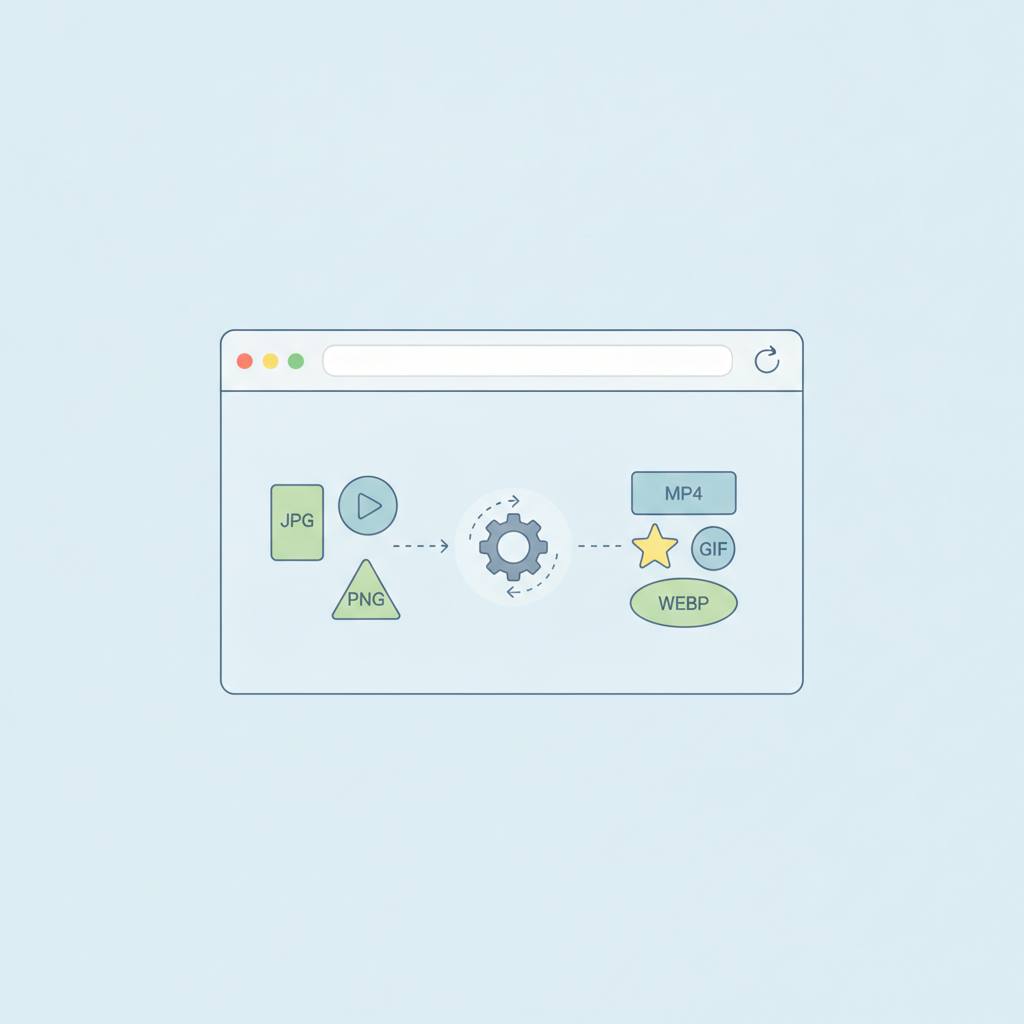
How is this possible? This smart technology relies on the browser's own capabilities, using tools like the Canvas API, WebCodecs, and even a little WebAssembly. The core idea is quite simple: the browser decodes your image or video, then 'draws' it onto a virtual canvas, and finally re-encodes it into the new desired format.
This means you can convert images between formats like PNG, JPG, and WebP, and also compress JPG/WebP images, all without any external dependencies or even an internet connection once the page loads. The result is a new file ready for preview or download. There's also an important detail about revoking temporary object URLs created for converted files to ensure memory isn't unnecessarily consumed, keeping your device running smoothly. This technology offers you peace of mind and complete control over your data.
Most of the 'free online converters' we see work in a similar fashion: you pick a file, it gets uploaded to an external server, converted there, and then sent back to you. This method might be fine for a funny meme where privacy isn't a concern. But what if you have folders of personal family photos, a passport scan, or even client footage under a non-disclosure agreement? In these situations, uploading your files to an external server becomes a significant privacy concern.
This is where VisualRefiner steps in. This tool was built to do the exact same conversion jobs but without any upload required. Every conversion runs entirely in your browser tab on your own machine. There's no backend server to send files to — the entire website is a static export. So, the phrase «your files never leave your device» isn't just a privacy promise; it's simply how the architecture works.
How is this possible? This smart technology relies on the browser's own capabilities, using tools like the Canvas API, WebCodecs, and even a little WebAssembly. The core idea is quite simple: the browser decodes your image or video, then 'draws' it onto a virtual canvas, and finally re-encodes it into the new desired format.
This means you can convert images between formats like PNG, JPG, and WebP, and also compress JPG/WebP images, all without any external dependencies or even an internet connection once the page loads. The result is a new file ready for preview or download. There's also an important detail about revoking temporary object URLs created for converted files to ensure memory isn't unnecessarily consumed, keeping your device running smoothly. This technology offers you peace of mind and complete control over your data.