Ever wonder how your computer talks to the internet? The OSI Model breaks down network communication into 7 distinct layers, making complex concepts like IP addresses and Wi-Fi signals much easier to understand.
Hey WondTech readers! Ever tried to wrap your head around how information travels from your device across the internet? Well, understanding the OSI Model is like getting a clear map of network communication, helping you see the big picture. What this means for you is that seemingly complex ideas like why your Wi-Fi works or how your computer finds a website start to make perfect sense when you know the basic layers involved.
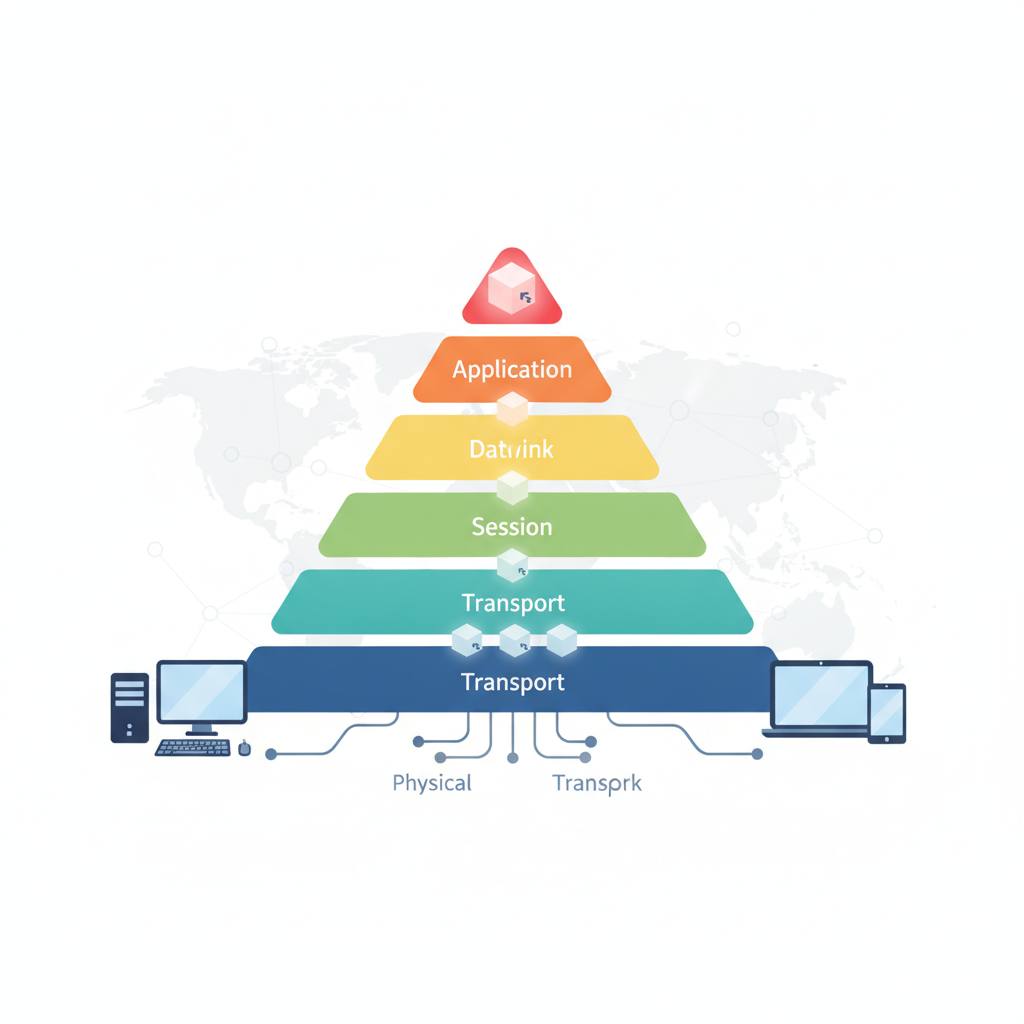
The OSI Model, short for Open Systems Interconnection, is a conceptual framework that divides the entire network communication process into seven distinct layers. Think of it like a human body with different systems—nervous, muscular, respiratory—each with a specific job. In networking, each of these seven layers handles a particular responsibility, working together to let two devices exchange data. The goal is simple: allow two hosts to communicate, and the OSI Model shows us exactly what happens at each step.
Instead of memorizing definitions, it’s more useful to understand the purpose of each layer. Once you do, terms like MAC addresses, IP addresses, network ports, and even how your data is packaged (encapsulation) all fall into place naturally.
While there are seven layers in total (Application, Presentation, Session, Transport, Network, Data Link, Physical), we often focus on the lower ones, especially Layers 1 through 4, because they directly relate to the physical movement of data.
Let's look at Layer 1: the Physical Layer. This is all about transporting raw bits—the 0s and 1s computers understand—from one device to another. Imagine it as the physical road itself. It uses things like Ethernet cables, fiber optic lines, or Wi-Fi radio signals. Devices like repeaters and hubs also live here. This layer doesn't care about the content or the final destination; it just provides the physical medium for data to travel. So, when we talk about 'bits' and the 'physical medium,' we're talking about Layer 1, the foundational highway of your internet connection.
The OSI Model, short for Open Systems Interconnection, is a conceptual framework that divides the entire network communication process into seven distinct layers. Think of it like a human body with different systems—nervous, muscular, respiratory—each with a specific job. In networking, each of these seven layers handles a particular responsibility, working together to let two devices exchange data. The goal is simple: allow two hosts to communicate, and the OSI Model shows us exactly what happens at each step.
Instead of memorizing definitions, it’s more useful to understand the purpose of each layer. Once you do, terms like MAC addresses, IP addresses, network ports, and even how your data is packaged (encapsulation) all fall into place naturally.
While there are seven layers in total (Application, Presentation, Session, Transport, Network, Data Link, Physical), we often focus on the lower ones, especially Layers 1 through 4, because they directly relate to the physical movement of data.
Let's look at Layer 1: the Physical Layer. This is all about transporting raw bits—the 0s and 1s computers understand—from one device to another. Imagine it as the physical road itself. It uses things like Ethernet cables, fiber optic lines, or Wi-Fi radio signals. Devices like repeaters and hubs also live here. This layer doesn't care about the content or the final destination; it just provides the physical medium for data to travel. So, when we talk about 'bits' and the 'physical medium,' we're talking about Layer 1, the foundational highway of your internet connection.