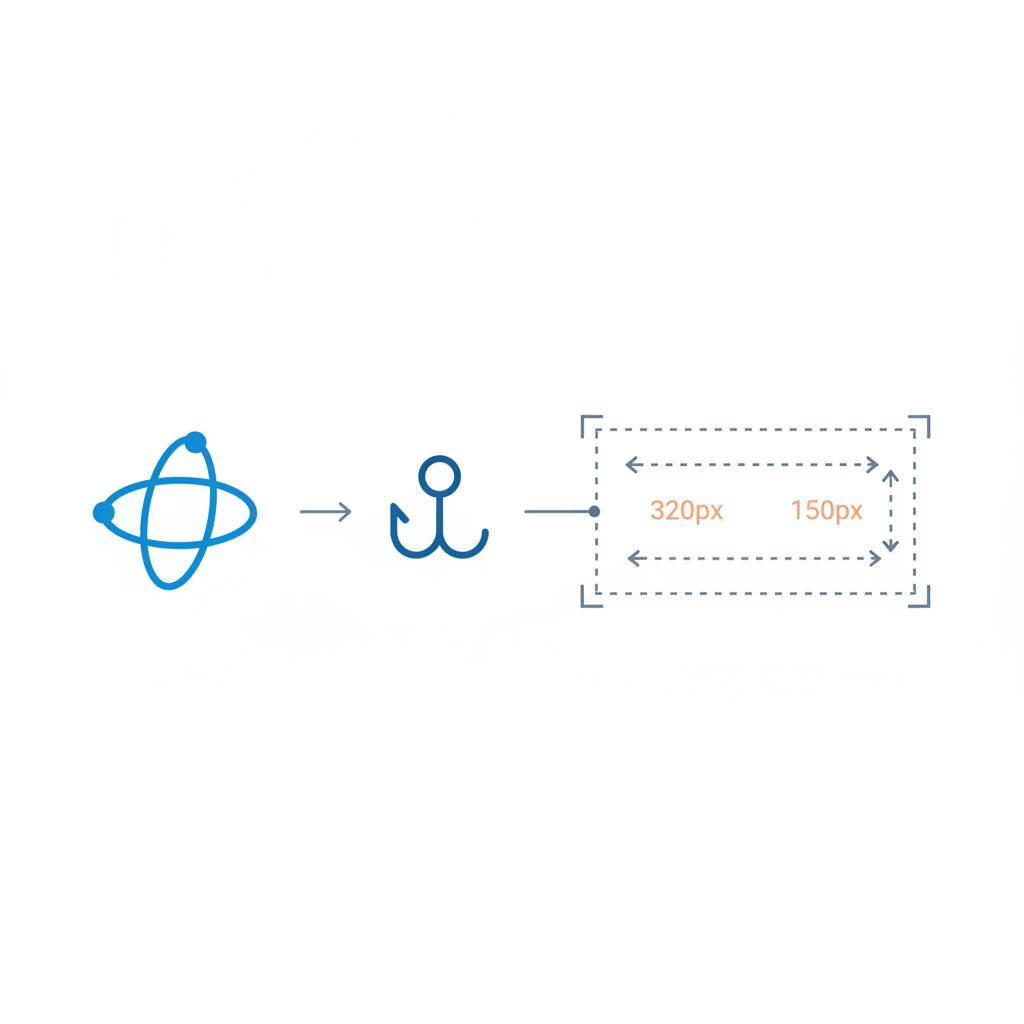
A new hook called `useMeasure` from `@reactuses/core` makes it super simple to get the live dimensions of any DOM element in your React app. It uses `ResizeObserver` to constantly update sizes as things change.
If you've ever built a React app, you know the struggle: sometimes you just need to know how big a specific element is. Maybe it's a chart that needs its container's exact pixel width to draw correctly, or a text area that grows automatically. Things like a virtualized list needing row heights, or a component that adjusts its layout when it, not the viewport, gets narrow, all depend on accurate, live element dimensions. React, surprisingly, doesn't make getting these values easy.
Often, developers try `getBoundingClientRect()` inside a `useEffect`, only to find it gives you the size just once. Then you might add a `window` resize listener, but that doesn't help when an element changes size because a sibling collapses, a font loads, or its content shifts – all without the browser window itself resizing. It's a common headache!
Good news, though! There's a proper solution, and it's now incredibly simple to use with the `useMeasure` hook from `@reactuses/core`. This handy hook wraps `ResizeObserver`, which is the correct way to watch for changes in an element's size reliably and efficiently.
Here's how easy it is: you pass a React ref to `useMeasure`, and it gives you back a live `rect` object containing all the dimensions you need. Whenever your element's content box changes size – whether the window resizes, a flexbox layout reflows, a sidebar toggles open, or fonts swap – your component automatically re-renders with the updated dimensions instantly.
The best part? You never have to deal with `ResizeObserver` directly. No complicated setup to create, no remembering to disconnect observers manually, and no worries about stale data traps. The hook handles all that for you, even automatically cleaning up when your component unmounts. It's a clean, effective, single-line solution for a problem many React developers face.
Often, developers try `getBoundingClientRect()` inside a `useEffect`, only to find it gives you the size just once. Then you might add a `window` resize listener, but that doesn't help when an element changes size because a sibling collapses, a font loads, or its content shifts – all without the browser window itself resizing. It's a common headache!
Good news, though! There's a proper solution, and it's now incredibly simple to use with the `useMeasure` hook from `@reactuses/core`. This handy hook wraps `ResizeObserver`, which is the correct way to watch for changes in an element's size reliably and efficiently.
Here's how easy it is: you pass a React ref to `useMeasure`, and it gives you back a live `rect` object containing all the dimensions you need. Whenever your element's content box changes size – whether the window resizes, a flexbox layout reflows, a sidebar toggles open, or fonts swap – your component automatically re-renders with the updated dimensions instantly.
The best part? You never have to deal with `ResizeObserver` directly. No complicated setup to create, no remembering to disconnect observers manually, and no worries about stale data traps. The hook handles all that for you, even automatically cleaning up when your component unmounts. It's a clean, effective, single-line solution for a problem many React developers face.