When Divi's default Blog module isn't enough for complex website needs, a recent project demonstrates how custom shortcodes can provide full flexibility and control. This means you can build a blog with unique features without running into update issues later.
Building a complex blog on Divi often hits limits when using its default modules, but a recent project shows why custom shortcodes are a smarter path. A blog for Rev6, a fitness platform running WordPress and Divi, underwent a redesign. The focus wasn't just on a pretty outcome, but on architectural decisions to avoid future headaches.
The team encountered issues with Divi's built-in Blog module. While it's fine for generic listings, it fell short on specific needs like URL-based category routing, custom card markup, and handling posts based on user membership. Trying to force a page builder to produce non-default markup often leads to a tangled mess of overrides that breaks with every new Divi update.
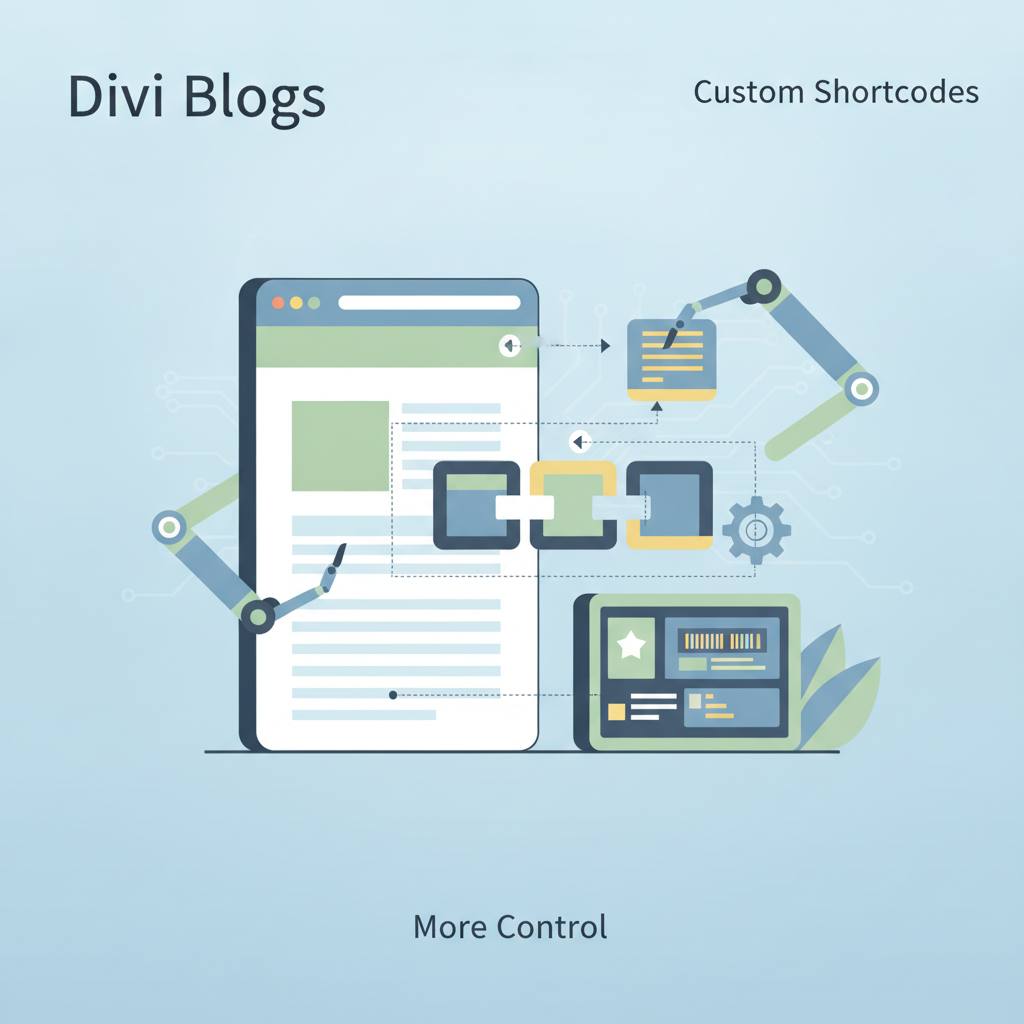
Instead, the team chose a different approach. They built a small system of custom shortcodes, living within their child theme's files and styled by a single, custom CSS file. These shortcodes were then assembled inside Divi's Theme Builder.
The entire front end is composed of a handful of focused shortcodes:
* `[rev6_blog_sidebar]` for category navigation and search.
* `[rev6_sort_dropdown]` for sort control.
* `[rev6_post_grid]` for displaying the post card grid.
* `[rev6_author_bar]` for the author's byline on the detail page.
* `[rev6_author_bio]` for the author block at the foot of a post.
* `[rev6_related_posts]` for the 'Keep reading' section.
The neat trick here is that each piece remains its own shortcode. This means the Theme Builder template becomes just a thin assembly layer — essentially a Code module with the shortcodes in the order they should render — and all the programming logic stays in versioned PHP files. This is much easier to manage and update, rather than being locked inside the page builder's database. This approach offers significant flexibility and makes updates much simpler, giving you greater control over how your blog functions and evolves.
The team encountered issues with Divi's built-in Blog module. While it's fine for generic listings, it fell short on specific needs like URL-based category routing, custom card markup, and handling posts based on user membership. Trying to force a page builder to produce non-default markup often leads to a tangled mess of overrides that breaks with every new Divi update.
Instead, the team chose a different approach. They built a small system of custom shortcodes, living within their child theme's files and styled by a single, custom CSS file. These shortcodes were then assembled inside Divi's Theme Builder.
The entire front end is composed of a handful of focused shortcodes:
* `[rev6_blog_sidebar]` for category navigation and search.
* `[rev6_sort_dropdown]` for sort control.
* `[rev6_post_grid]` for displaying the post card grid.
* `[rev6_author_bar]` for the author's byline on the detail page.
* `[rev6_author_bio]` for the author block at the foot of a post.
* `[rev6_related_posts]` for the 'Keep reading' section.
The neat trick here is that each piece remains its own shortcode. This means the Theme Builder template becomes just a thin assembly layer — essentially a Code module with the shortcodes in the order they should render — and all the programming logic stays in versioned PHP files. This is much easier to manage and update, rather than being locked inside the page builder's database. This approach offers significant flexibility and makes updates much simpler, giving you greater control over how your blog functions and evolves.