A recent incident revealed that a suspended TrueNAS pool, even with many reported disk failures, might not mean individual disks are dead. Often, it's a shared connection issue, urging users to check connections before rushing to costly disk replacements.
If your TrueNAS storage pool suddenly goes into a 'SUSPENDED' state with multiple drives showing as faulted, don't panic and definitely don't rush to replace disks. This valuable lesson, learned from a recent outage, could save you significant time, money, and unnecessary stress.
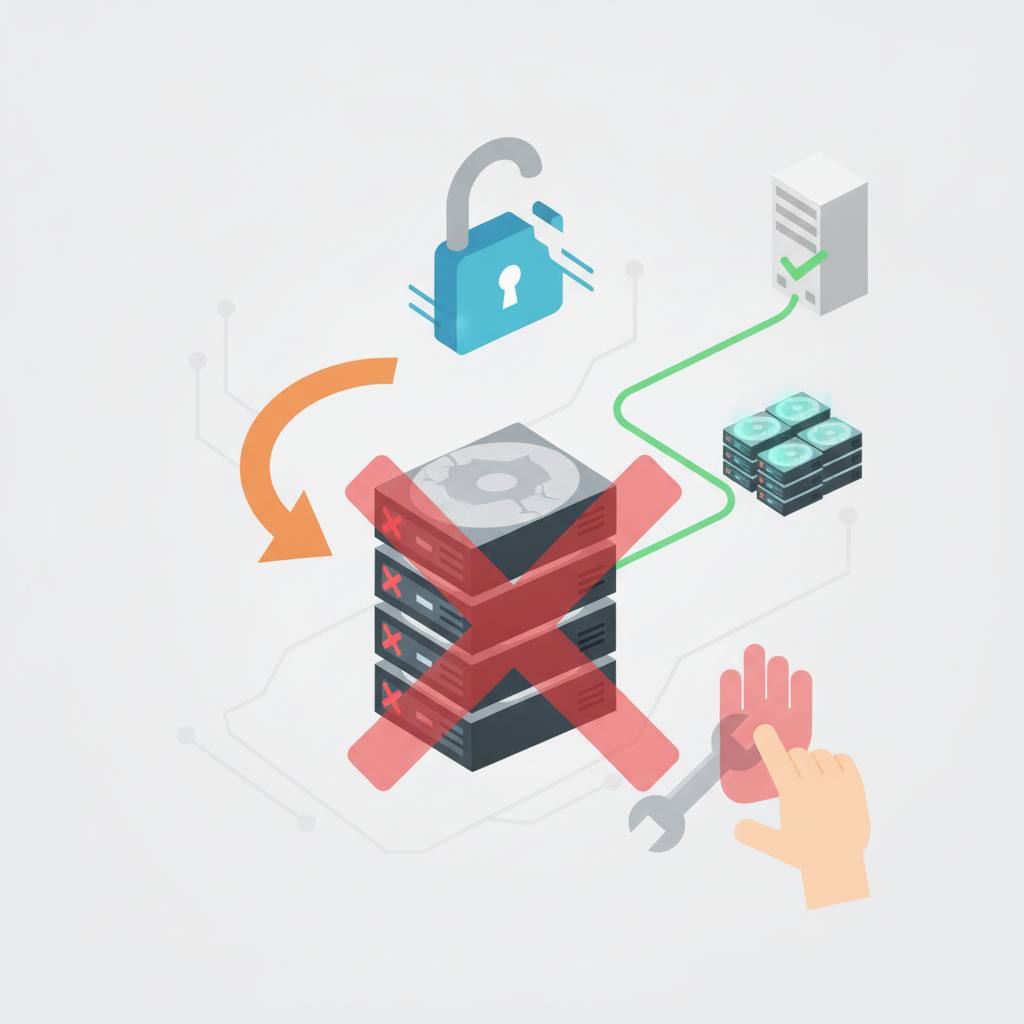
A tech expert recently faced a challenging situation after a server rack came back online. While most systems recovered smoothly, a TrueNAS SCALE node revealed a critical issue: an 11-disk RAIDZ1 vdev with multiple drives marked 'faulted' and one 'removed', leading to the entire pool being 'SUSPENDED'. The immediate instinct is often to start replacing drives, assuming individual failures. However, this is usually the wrong first step.
The key insight lies in the *pattern* of failure. When numerous disks appear to fail simultaneously, it's highly unlikely that each disk independently decided to give up. Instead, this scenario strongly suggests a problem with a shared component that all those disks rely on. Think of things like an HBA (Host Bus Adapter) path, a SAS cable, a backplane, or the storage controller itself. These 'shared path' failures are common and, thankfully, often less severe than they initially appear.
The recovery process for the affected 'MediaPool-A' was surprisingly straightforward once this pattern was understood. Instead of swapping disks, the first action was to ensure all the devices were properly connected. After confirming physical connections, simply running the `zpool clear` command brought the pool back online without replacing a single drive.
This experience highlights a critical takeaway for anyone managing TrueNAS (whether SCALE or CORE): ZFS reporting a disk as 'faulted' doesn't automatically mean the disk is physically broken and needs immediate replacement. Always investigate shared connections and try a `zpool clear` first. This smart approach can turn what looks like a catastrophic failure into a quick recovery, saving you from costly and unnecessary hardware purchases.
A tech expert recently faced a challenging situation after a server rack came back online. While most systems recovered smoothly, a TrueNAS SCALE node revealed a critical issue: an 11-disk RAIDZ1 vdev with multiple drives marked 'faulted' and one 'removed', leading to the entire pool being 'SUSPENDED'. The immediate instinct is often to start replacing drives, assuming individual failures. However, this is usually the wrong first step.
The key insight lies in the *pattern* of failure. When numerous disks appear to fail simultaneously, it's highly unlikely that each disk independently decided to give up. Instead, this scenario strongly suggests a problem with a shared component that all those disks rely on. Think of things like an HBA (Host Bus Adapter) path, a SAS cable, a backplane, or the storage controller itself. These 'shared path' failures are common and, thankfully, often less severe than they initially appear.
The recovery process for the affected 'MediaPool-A' was surprisingly straightforward once this pattern was understood. Instead of swapping disks, the first action was to ensure all the devices were properly connected. After confirming physical connections, simply running the `zpool clear` command brought the pool back online without replacing a single drive.
This experience highlights a critical takeaway for anyone managing TrueNAS (whether SCALE or CORE): ZFS reporting a disk as 'faulted' doesn't automatically mean the disk is physically broken and needs immediate replacement. Always investigate shared connections and try a `zpool clear` first. This smart approach can turn what looks like a catastrophic failure into a quick recovery, saving you from costly and unnecessary hardware purchases.